124 CHAPTER 8: CONFIGURING VLANS
2 Select a port.
3 Select the port’s membership type.
4 Enter the VLAN ID to be assigned to the port.
5 Click . The VLANs are configured, and the device is updated.
Removing VLANs The VLAN Remove Page allows the network administrator to remove
VLANs.
The monitor users have no access to this page.
To delete VL ANs:
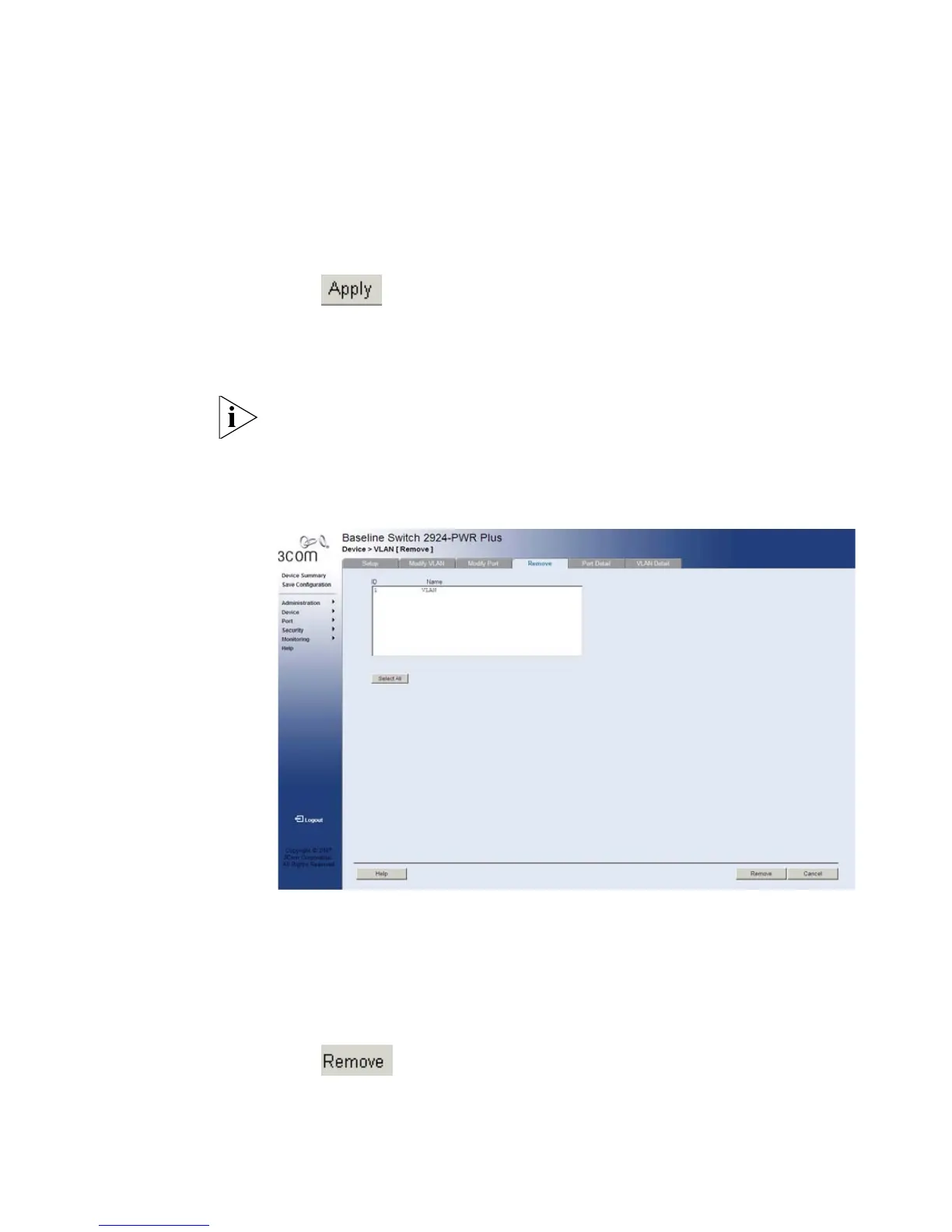
1 Click Device > VLAN > Remove. The VLAN Remove Page opens:
Figure 58 VLAN Remove Page
The VLAN Remove Page contains the following fields:
■ ID — Displays the VLAN ID.
■ Name — Displays the user-defined VLAN name.
■ Select All — Allows the user to select the entire table to be removed.
2 Select the VLAN IDs to be deleted.
3 Click . The selected VLANs are deleted, and the device is
updated.










 To Next Page