36 CHAPTER 2: USING THE 3COM WEB INTERFACE
Using Screen and
Table Options
The 3Com Web interface contains screens and tables for configuring
devices. This section contains the following topics:
■ Viewing Configuration Information
■ Adding Configuration Information
■ Modifying Configuration Information
■ Removing Configuration Information
Viewing Configuration Information
To view configuration information:
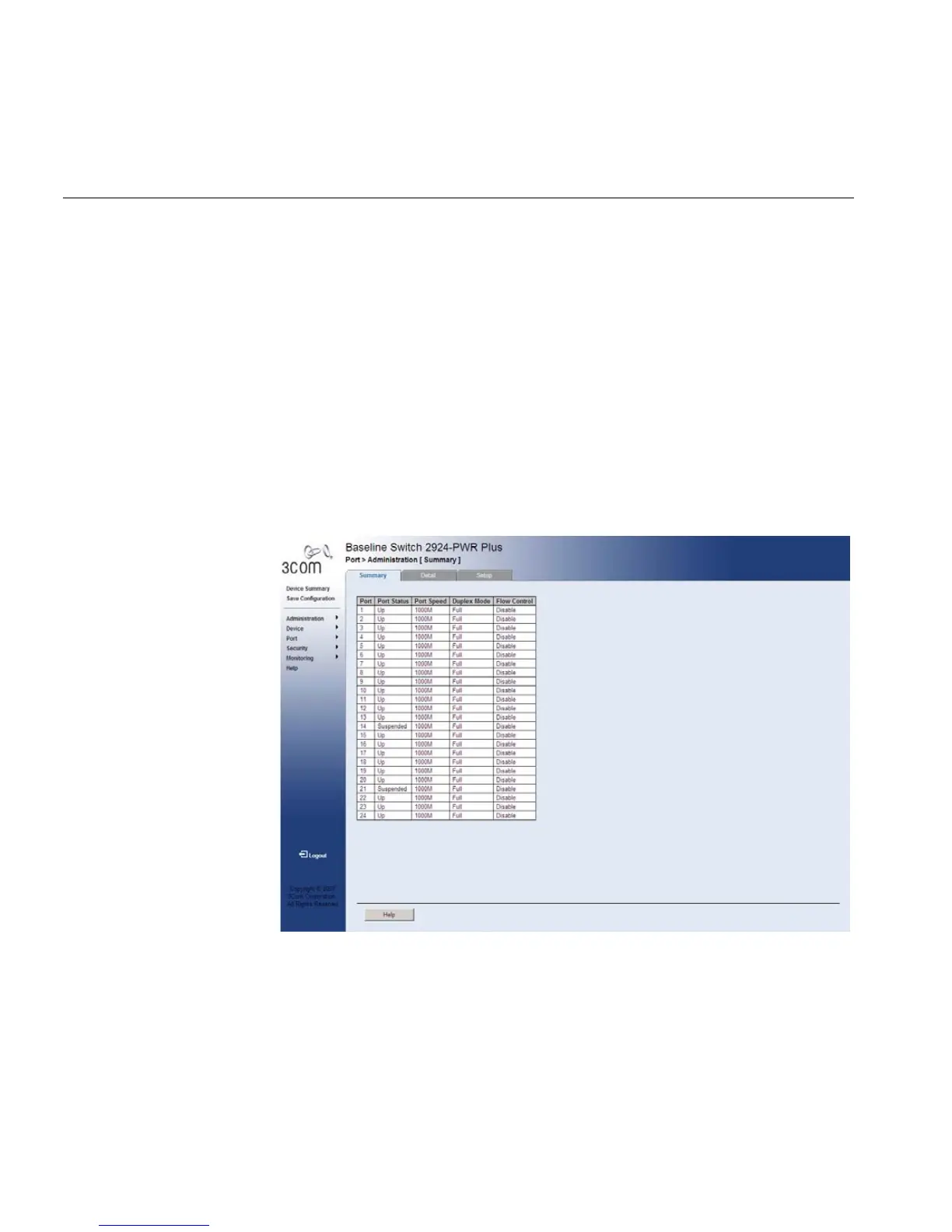
1 Click Port > Administration > Summary. The Port Settings Summary
Page opens:
Figure 10 Port Settings Summary Page










 To Next Page