40 CHAPTER 2: USING THE 3COM WEB INTERFACE
Saving the
Configuration
Configuration changes are only saved to the device once the user saves
the changes to the flash memory.
The Save Configuration tab allows the
latest configuration to be saved to the flash memory.
To save the device configuration:
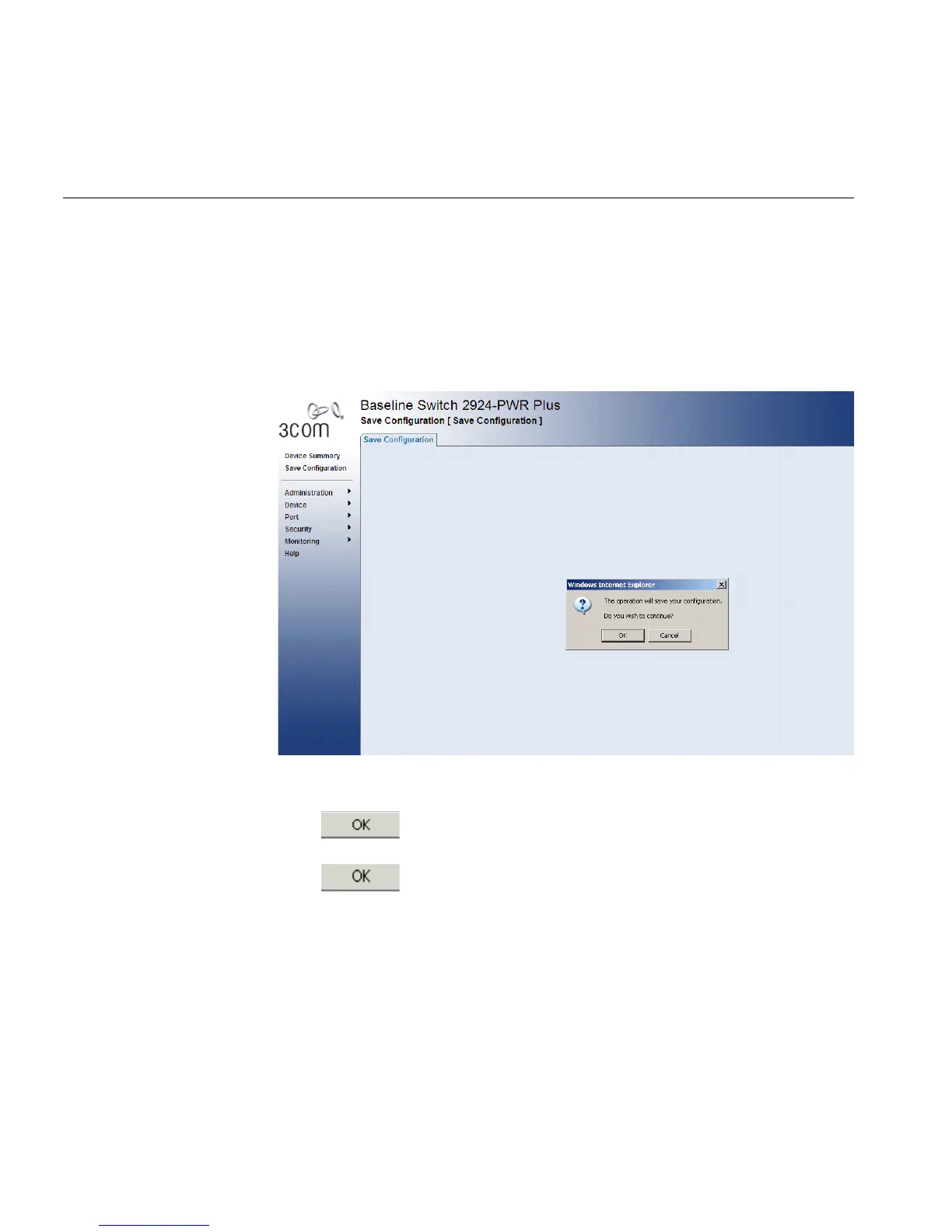
1 Click Save Configuration. The Save Configuration Page opens:
Figure 14 Save Configuration Page
A message appears: The operation will save your configuration. Do you
wish to continue?
2 Click . A Configuration is saved to flash memory successful
message appears.
3 Click . The configuration is saved.










 To Next Page