136 CHAPTER 9: CONFIGURING IP AND MAC ADDRESS INFORMATION
Adding MAC
Addresses to the
Address Table
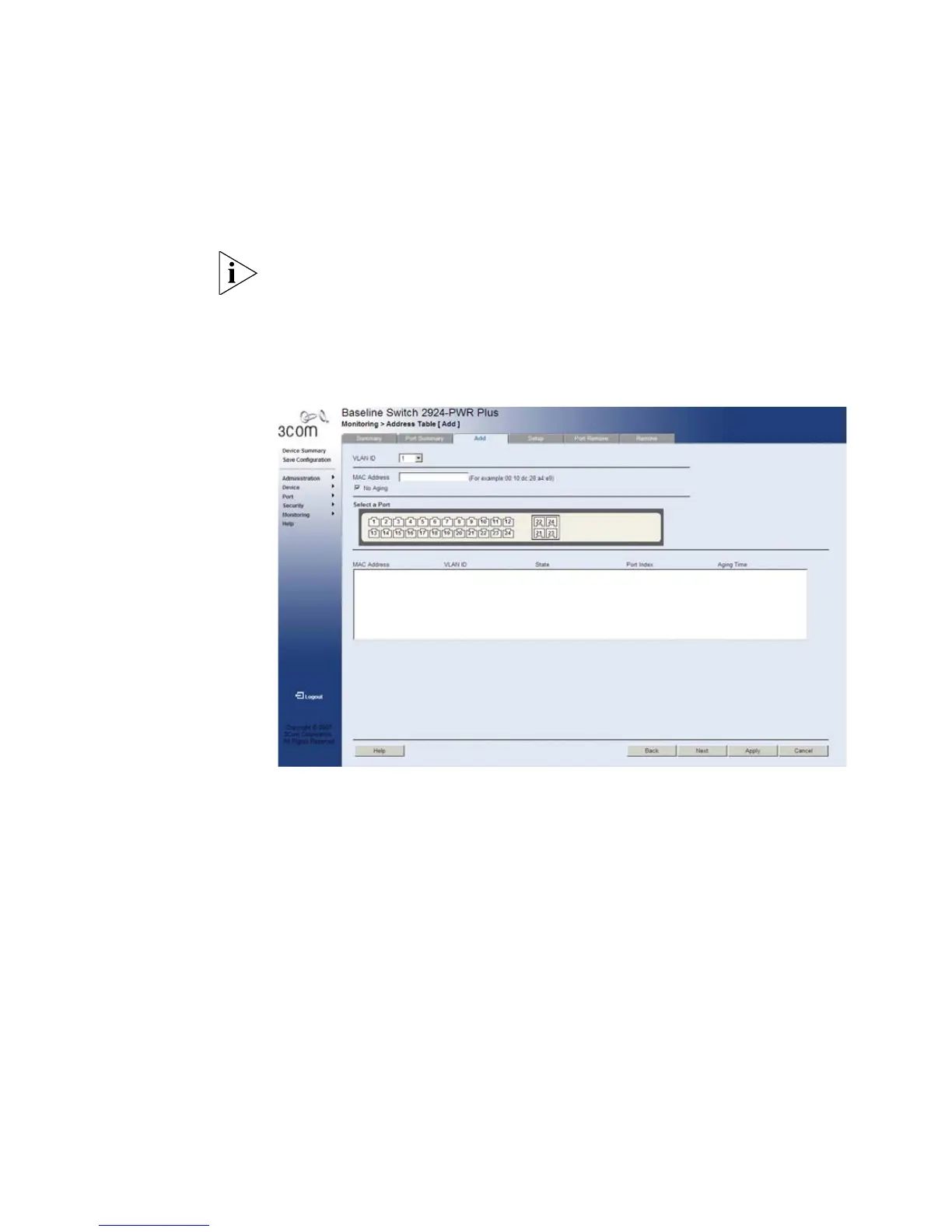
The Address Table Add Page allows the network manager to assign MAC
addresses to ports with VLANs.
The monitor users have no access to this page.
To add MAC addresses to the Address Table:
1 Click Monitoring > Address Table > Add. The Address Table Add Page
opens:
Figure 65 Address Table Add Page
The Address Table Add Page contains the following fields:
■ VLAN ID — Selects a VLAN ID.
■ MAC Address — Defines a MAC address to be assigned to the
specific port and VLAN ID.
■ No Aging — Marks the aging status of the MAC address assigned by
the user. The possible values are:
■ Checked — Indicates that the Address Table entry assigned by the
user is not aged out.
■ Unchecked — Indicates that the Address Table entry assigned by
the user is aged out.
■ Select a Port — Selects the port for which the MAC address settings
are defined.










 To Next Page