119
Creating VLANs The VLAN Setup Page allows the network administrator to create or
rename VLANs.
The monitor users have no access to this page.
To create VLANs:
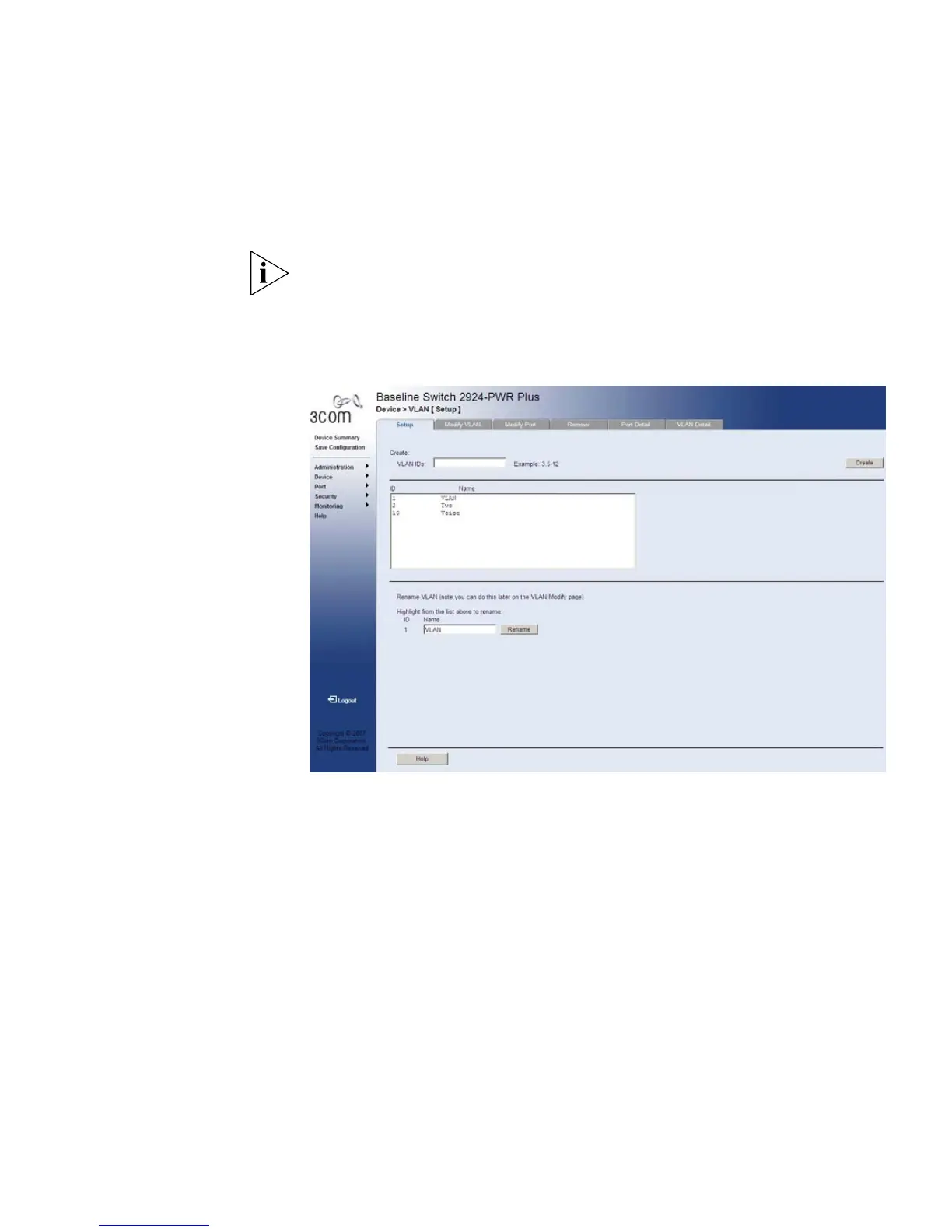
1 Click Device > VLAN > Setup. The VLAN Setup Page opens:
Figure 55 VLAN Setup Page
The VLAN Setup Page contains the following fields:
Create
■ VLAN IDs — Defines the VLAN ID(s) to create.
■ Create — Creates the VLAN ID(s).
■ ID — Displays the VLAN ID.
■ Name — Displays the user-defined VLAN name.










 To Next Page