197
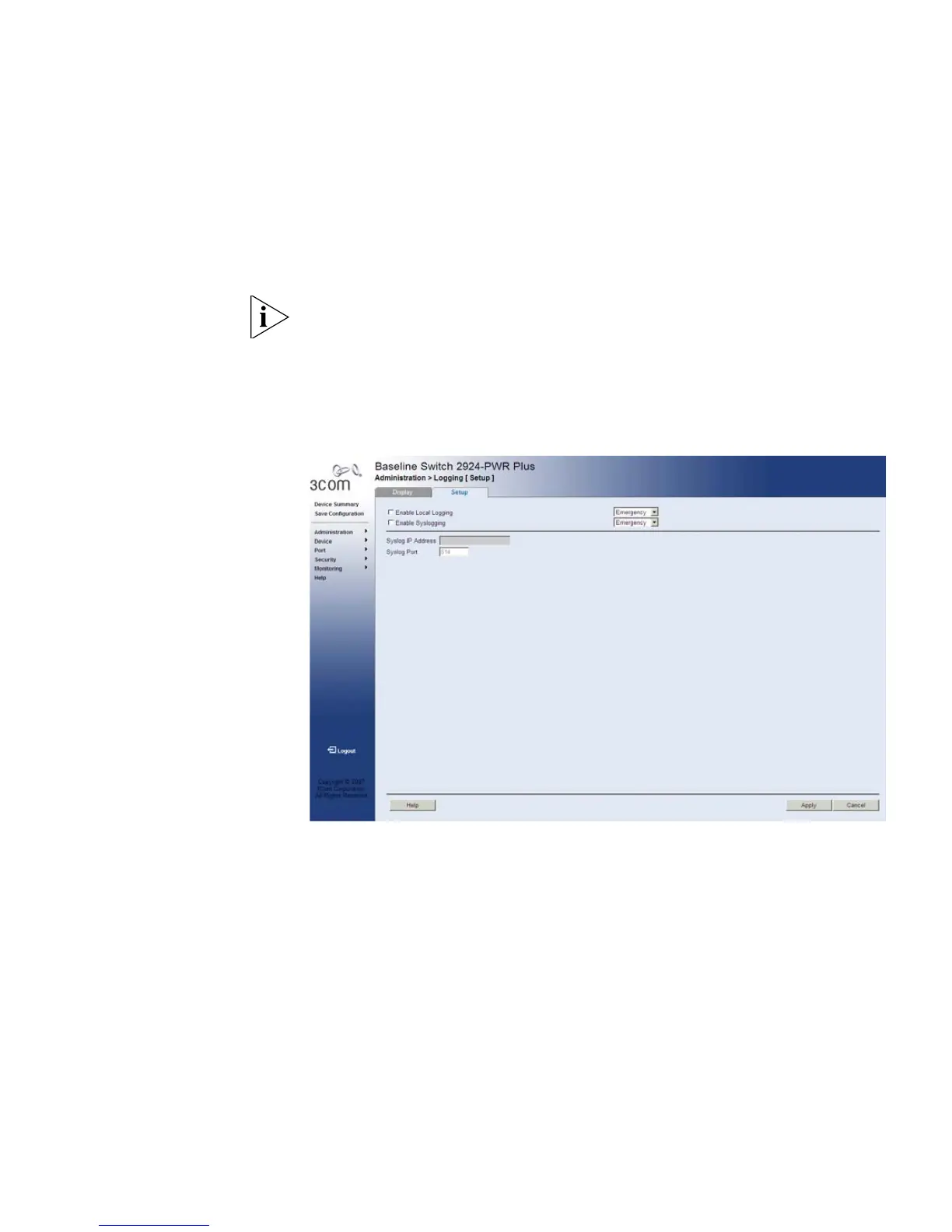
Configuring Logging The Logging Setup Page contains fields for defining which events are
recorded to which logs. It contains fields for enabling logs globally, and
parameters for defining logs. Log messages are listed from the highest
severity to the lowest severity level.
The monitor users have no access to this page.
To define Log Parameters:
1 Click Administration > Logging > Setup. The Logging Setup Page
opens:
Figure 99 Logging Setup Page










 To Next Page