3D Systems, Inc.
Replacing the Particulate Carbon Filter
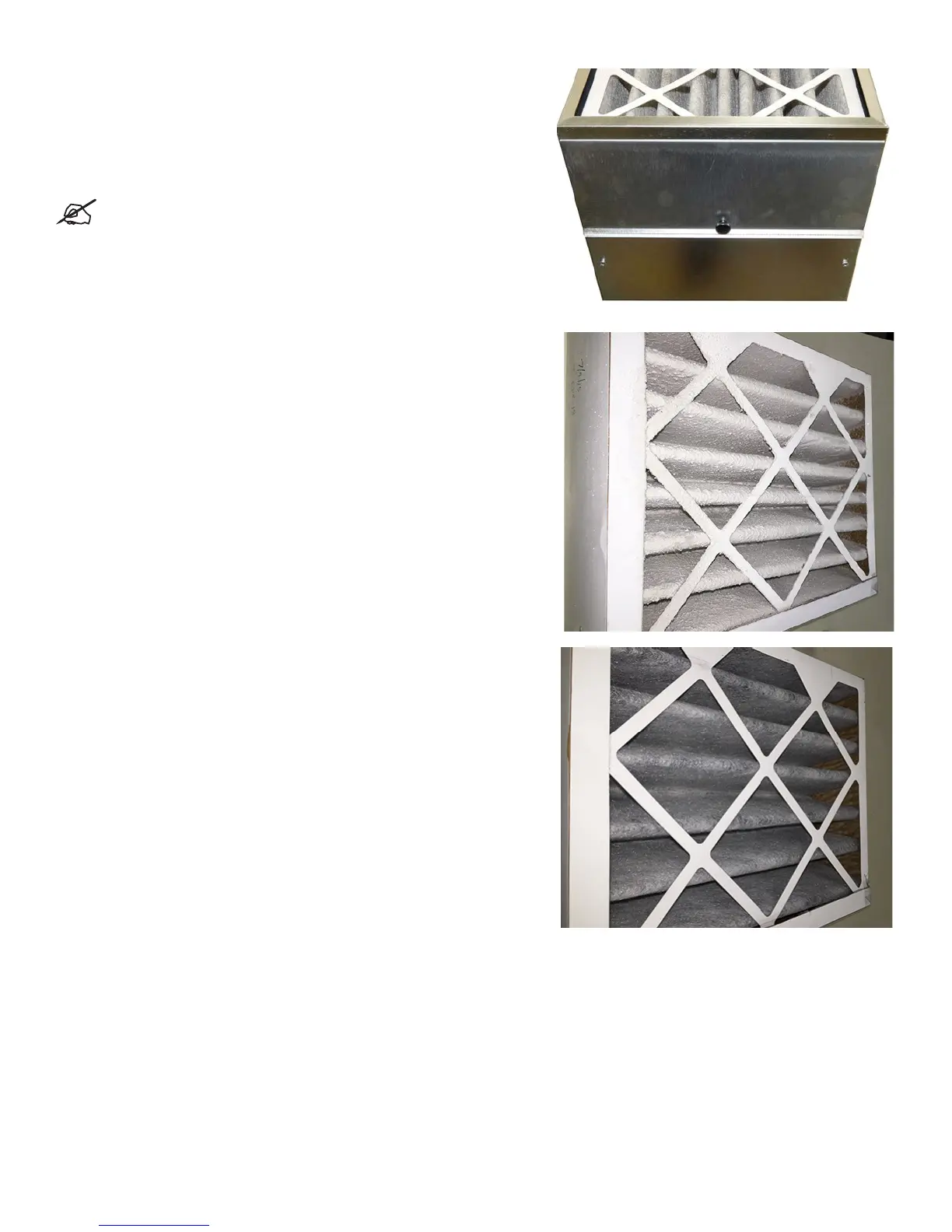
The particulate carbon lter is designed to remove particulates, odors, and
gasses from the build area.
The particulate carbon lter will need be checked every 3 months and
replaced if necessary. Access to this lter is from the front of the machine
on the right hand side. Loosen the thumb screw on the door containing the
lter, remove the lter, insert new lter, close door, tighten thumb screw.
NOTE: This is a customer replaceable part. Particulate Filter
with Handle - P/N
310259-00.
Photo at right illustrates a lter that needs to be changed.
Photo at right illustrates a lter that is clean and new.
28










 To Next Page