1.4. Dual hotend module
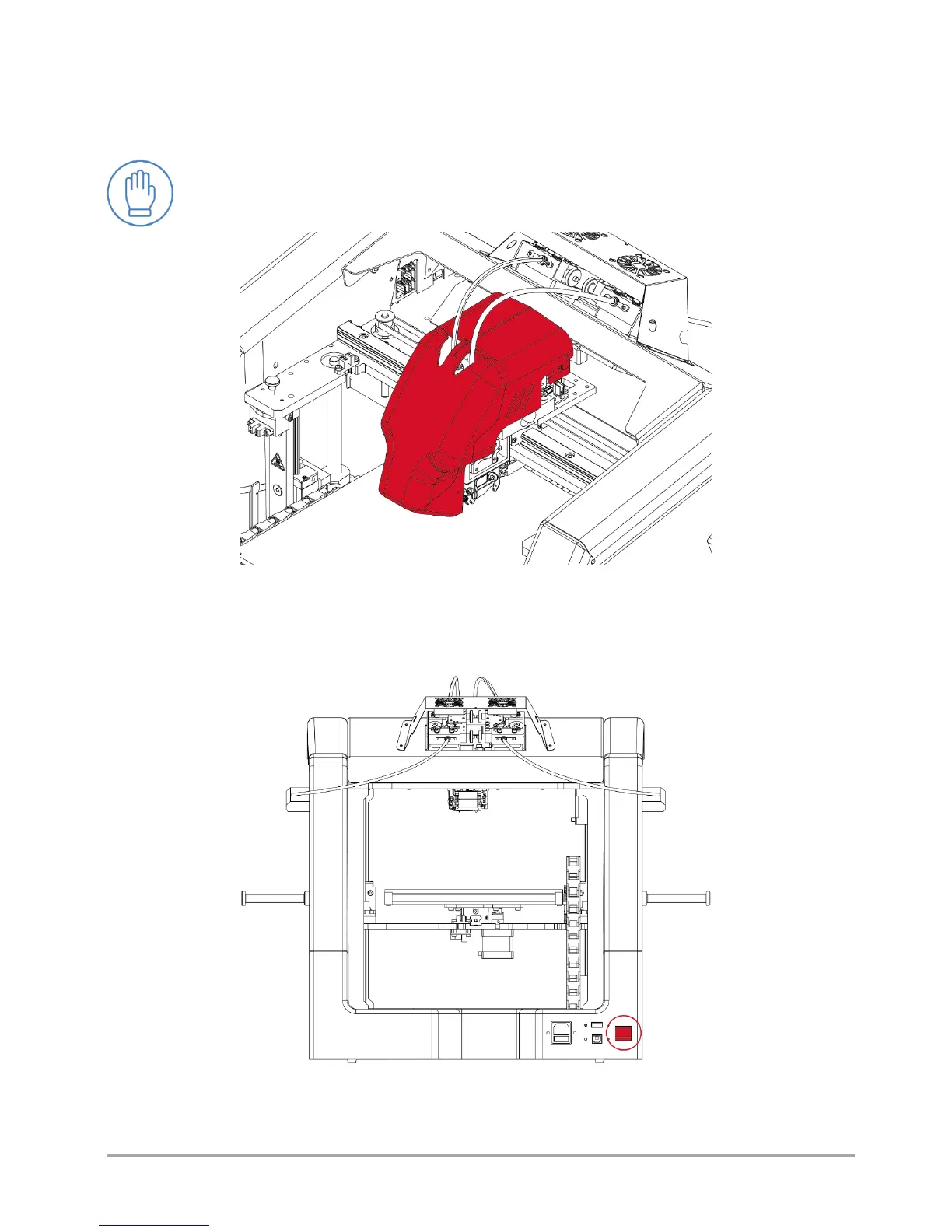
3DGence DOUBLE P255 printer is equipped with two hotends installed in the dual hotend module (fig. 14). The module contains
the hotend change system for quick assembly and disassembly of hotends having various sizes and purposes. The module
contains also the printout cooling system. Detailed description of the module is included in chapter VI.
ATTENTION:
The dual hotend module contains moving, sharp and hot elements. Do not touch the module during printer
operation.
Fig. 14 Dual hotend module of 3DGence DOUBLE P255 printer
1.5. Printer's power supply management
The printer's main switch is located at the back of the printer (fig. 15). To start the printer, set the switch to the upper position
(ON).
Fig. 15 . Switch of 3DGence DOUBLE P255 printer - rear view



 To Next Page