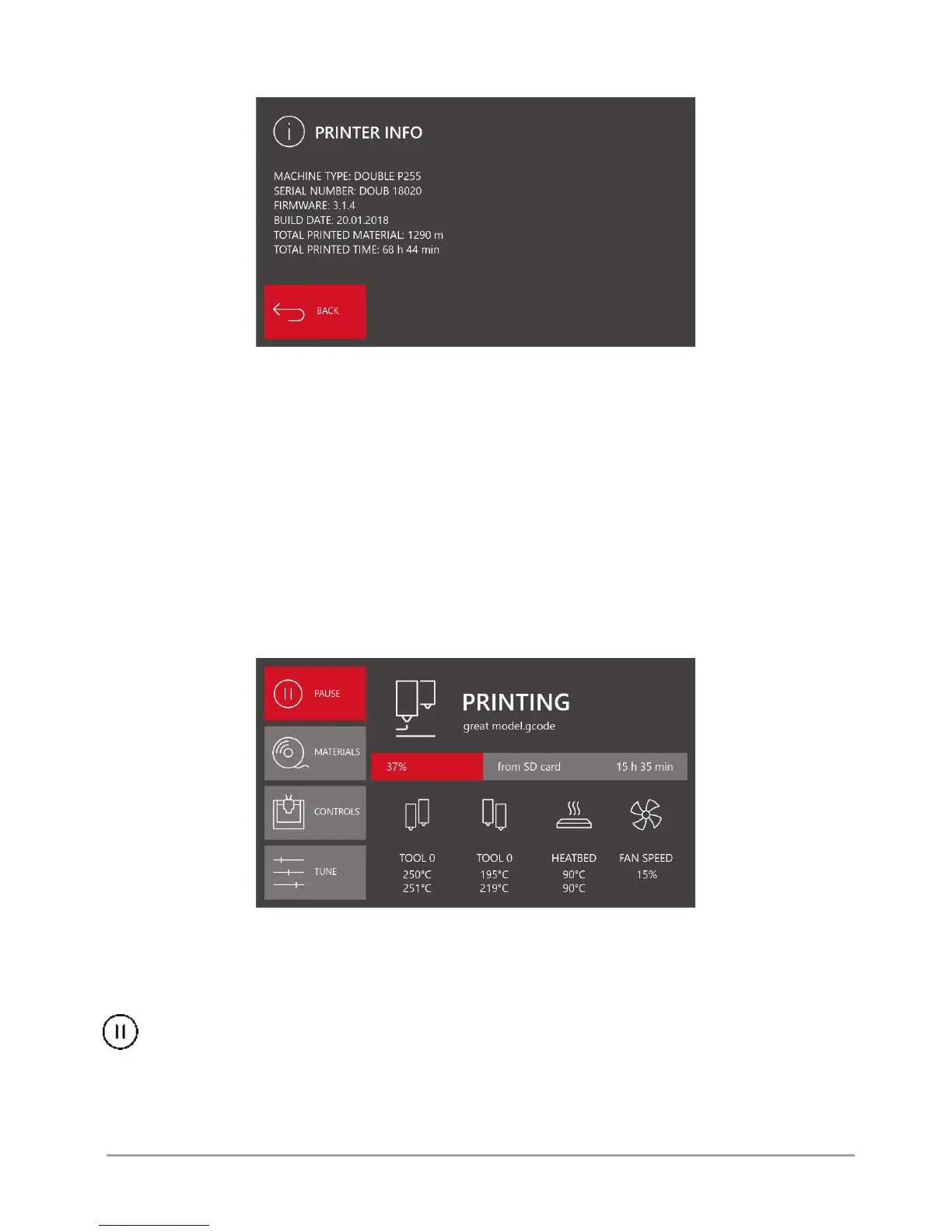
Printer info - displays the information on the printer (fig. 30).
Fig. 30 PRINTER INFO menu screen
Machine type: printer model.
Serial number: printer serial number.
Firmware: firmware version.
Build date: firmware release date.
Total printed material: total length of printed filament.
Total printed time: total printing time.
3.2. Menu during operation
The menu of 3DGence DOUBLE P255 printer changes during printing process. Some menu options available in the idle state
are not available during printing. The menu structure in the working mode is shown below.
The main menu of the working printer is shown in fig. 31.
Fig. 31 The printer's main menu in the working mode
The lower part of the menu is the same as in the idle mode. The menu displays the information on preset and current
temperatures of all heating elements and current power of the printout cooling fans.
The left column contains the following menus:
PAUSE - the command that suspends the printing process. When the „PAUSE” command is used, the printer will move
the hotend to the home position of X axis and Y axis. The temperatures of both hotends will be changed, i.e. reduced
to 100
o
C. During the pause, the operator can comfortably change the material, install a new spool or make a visual inspection
of the printed model. When the printing process is stopped, the "PAUSE" command is replaced by the "RESUME" command
that restarts the printing process. When changing the material to another one, the printing process should be stopped when
printing the filling to reduce the risk of potential defects on the external (visible) part of the model.



 To Next Page