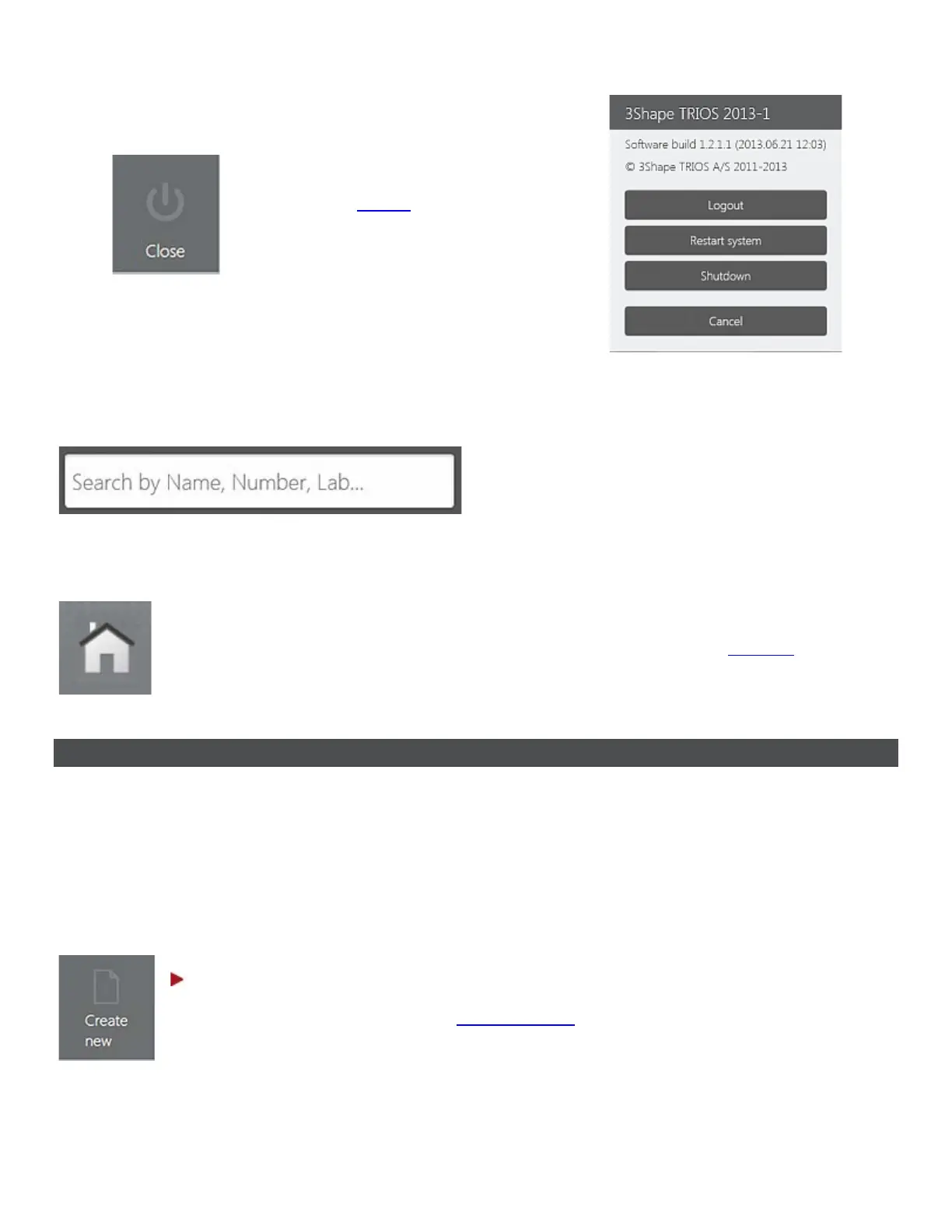
• Opens the closing options.
KEYBOARD
To enter a text, press on the text field and
use the virtual keyboard that appears on
the screen.
NAVIGATING TO CALENDAR
Press the Home button to switch between the workflow pages and the calendar.
3.2 Create and Manage Orders
You must create an order session before taking an impression. The order session combines all the
information about the patient, the indication and the impression you will take.
Select from the options below to create a new order or to open an existing one:
TO CREATE A NEW ORDER
Step 1: Open a blank order form
Create new button in the Service toolbar or press an empty time slot
for any day in the calendar view to open a new Order Form:
11



 To Next Page