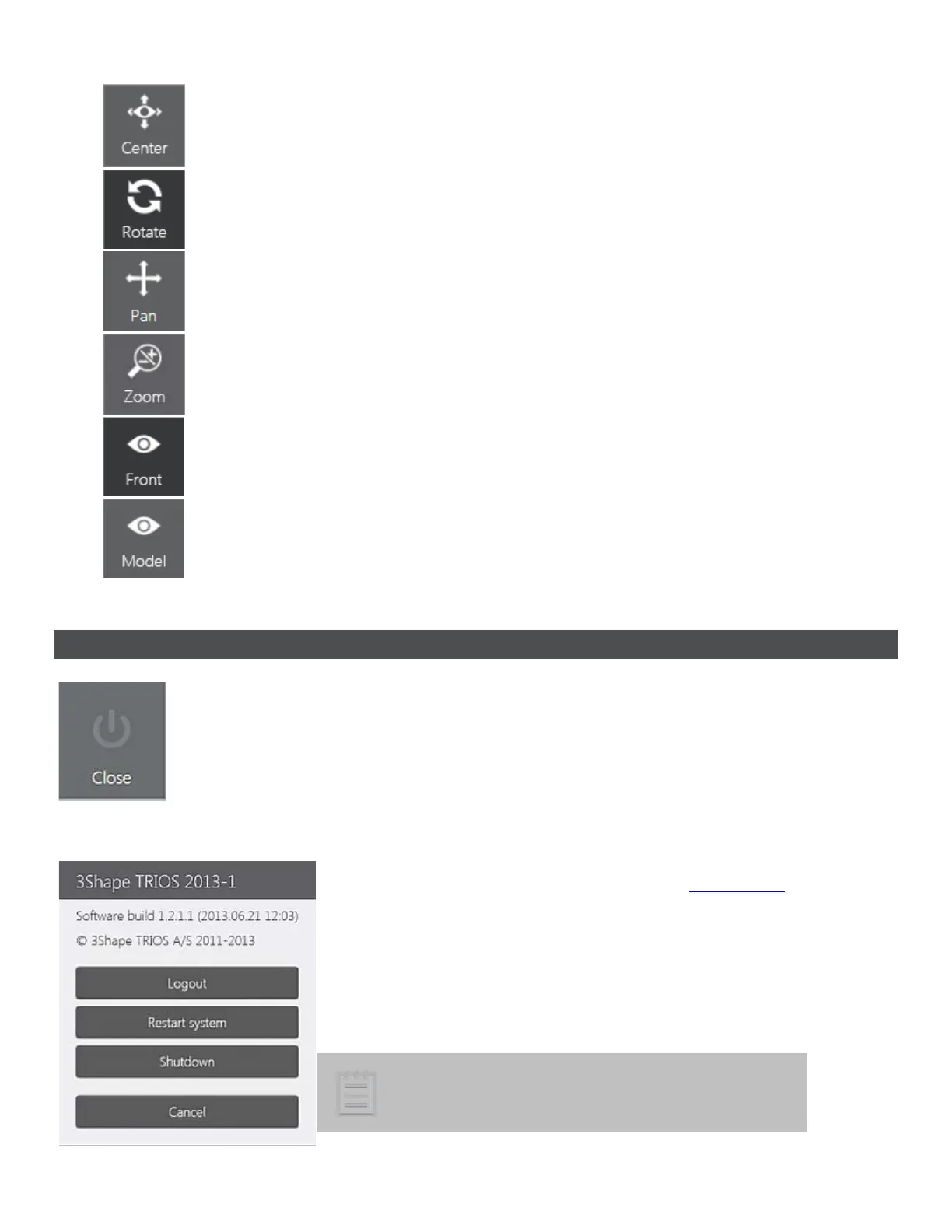
- Centers the model and places it in the middle of the screen.
- Allows you to rotate the model.
- Allows you to move the model.
- Allows you to zoom the model in/out by moving the finger up/down.
- Gives you the front view of the preparation.
- Gives you the model view of the preparation.
4.6 Closing Options
The Close button opens a dialog window with the information about the current
system version and provides the following closing options:
• Logout - signs you out and displays the Choose user
list.
• Restart system - reboots the TRIOS system (available
on cart systems).
• Shutdown - turns OFF the TRIOS system. You need to
confirm your intention in the appeared dialog.
Note! Please, allow enough time for the system to
shut down properly before disconnecting the main
s
Standby button light illuminates while
the system is still processing
59



 To Next Page