3.3.3 General Scanning Tools
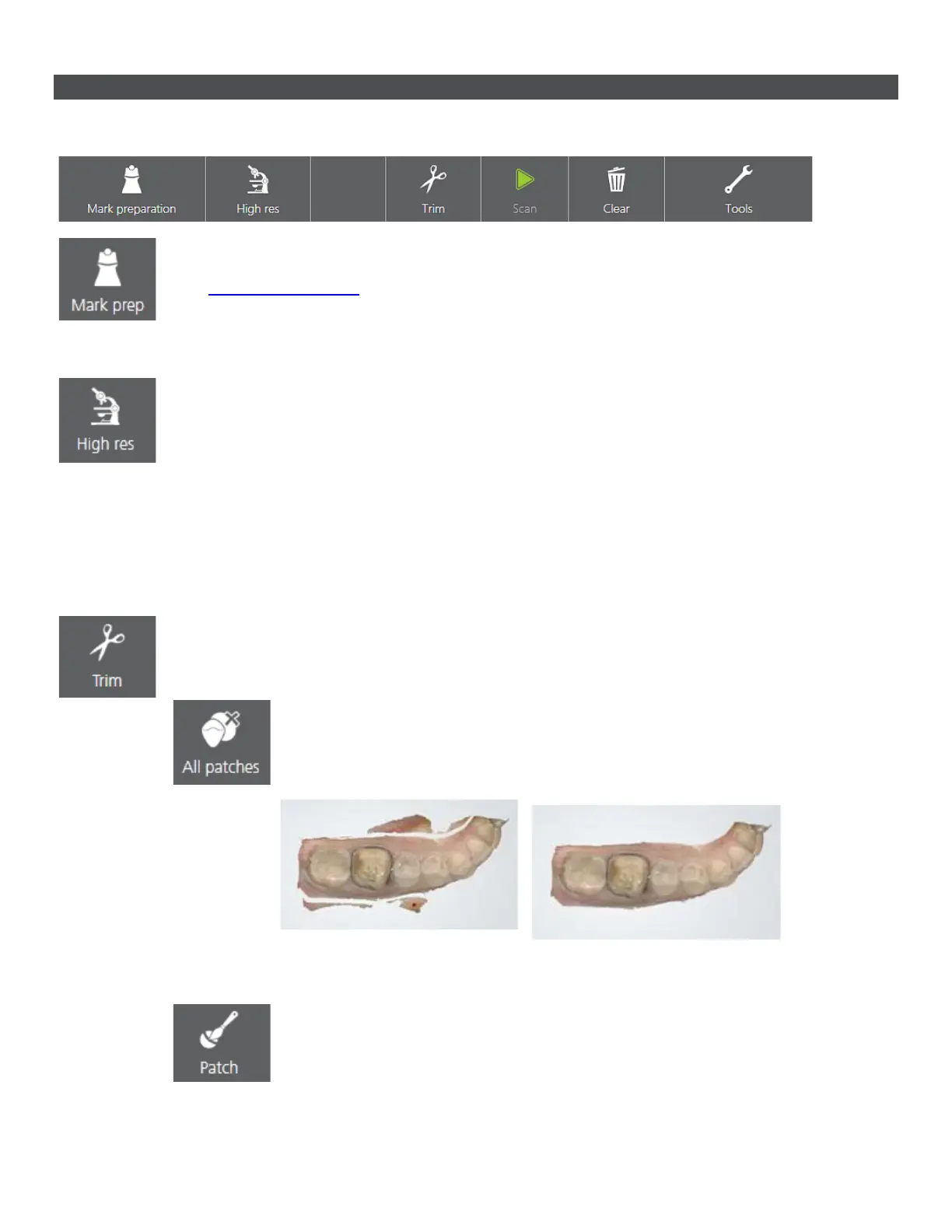
General scanning tools are located in the toolbar at the bottom of the screen:
• Mark preparation - Used to mark prepared teeth for further post-processing once
scanning is completed.
• High resolution - Captures areas that are difficult to scan, with higher amount of
details.
Follow these instructions to use the High res feature:
1. Scan with normal resolution.
2. Inspect the scan and determine where high resolution is required.
3. Set to High res. Note, that high resolution can only be applied to a region around a
preparation mark
4. Re-scan the desired area.
5. Turn off High res if continued scanning is needed.
• Trim - Provides tools for cleaning and trimming the scan:
o All patches - Automatically removes all "islands" and "peninsulas"
having slim attachment to the main surface e.g., accidentally scanned
fingers and the tongue.
o Patch - Manual removal of “island” surfaces. Remove a small area
disconnected from the largest surface by tapping it once.
25



 To Next Page