4 Options and Settings
This section provides an overview of the setting groups. Each group is explained in details in the following
sections.
Individual settings for operators are supported. For example, an operator can have his own preferred
settings for the Scan Sound, volume, Color System etc.
You must have configuration parameters set
before using TRIOS.
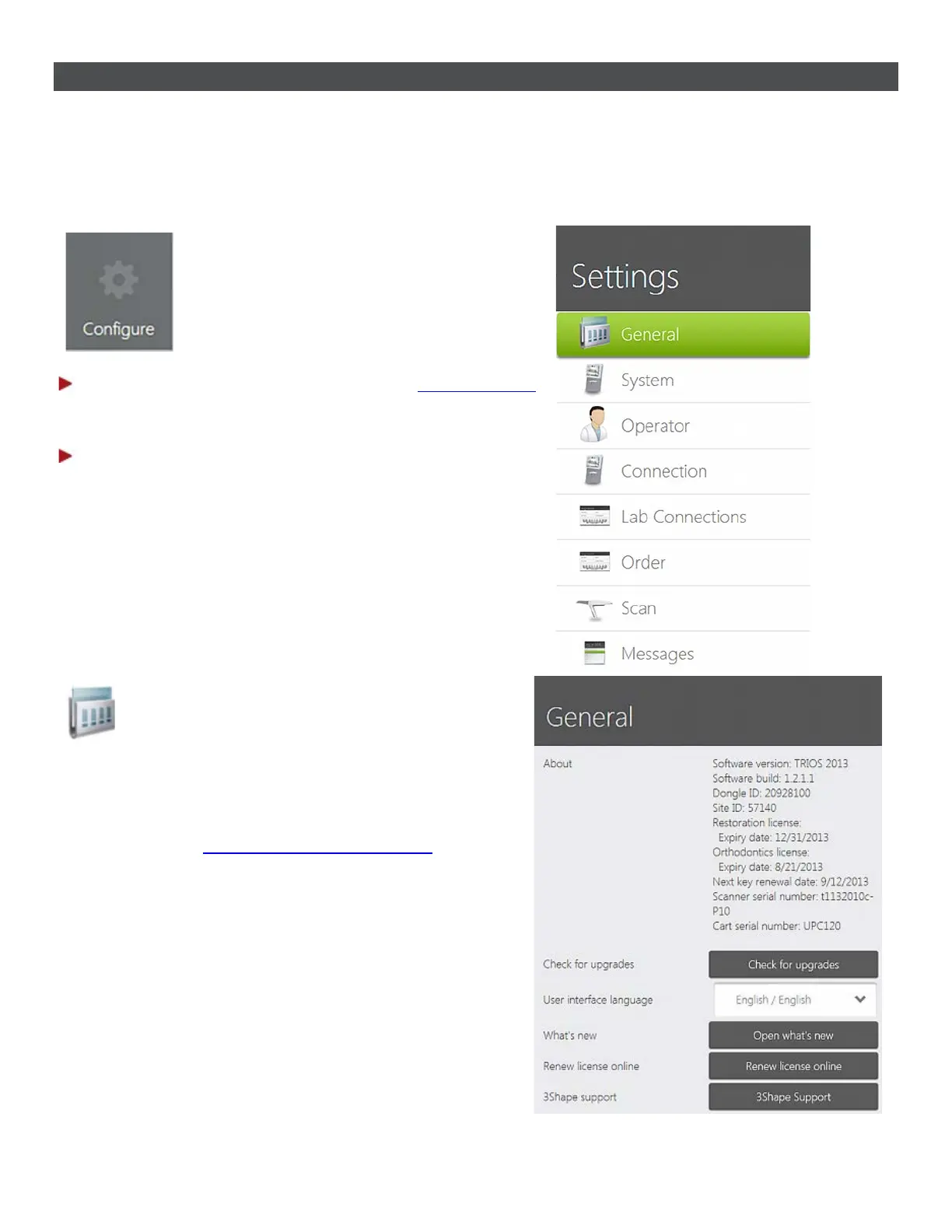
Step 1: Press the Configure button in the
Service toolbar
to open the Settings window having more configuration
categories (see image).
Step 2: Follow steps below to configure all the settings.
1. General settings
In general settings, you can select the preferred interface
language, check for upgrades, get online support and
handle your license.
See the help topic
General Options and Settings for details.
47



 To Next Page