3.3.5 Analyze Scan
The Analyze page provides four main instruments for inspecting and validating
the impression scans.
1. Press the Analyze button to start once you are satisfied with your
impression.
2. Use the provided tools to apply additional validation options.
Setting insertion direction for the restoration
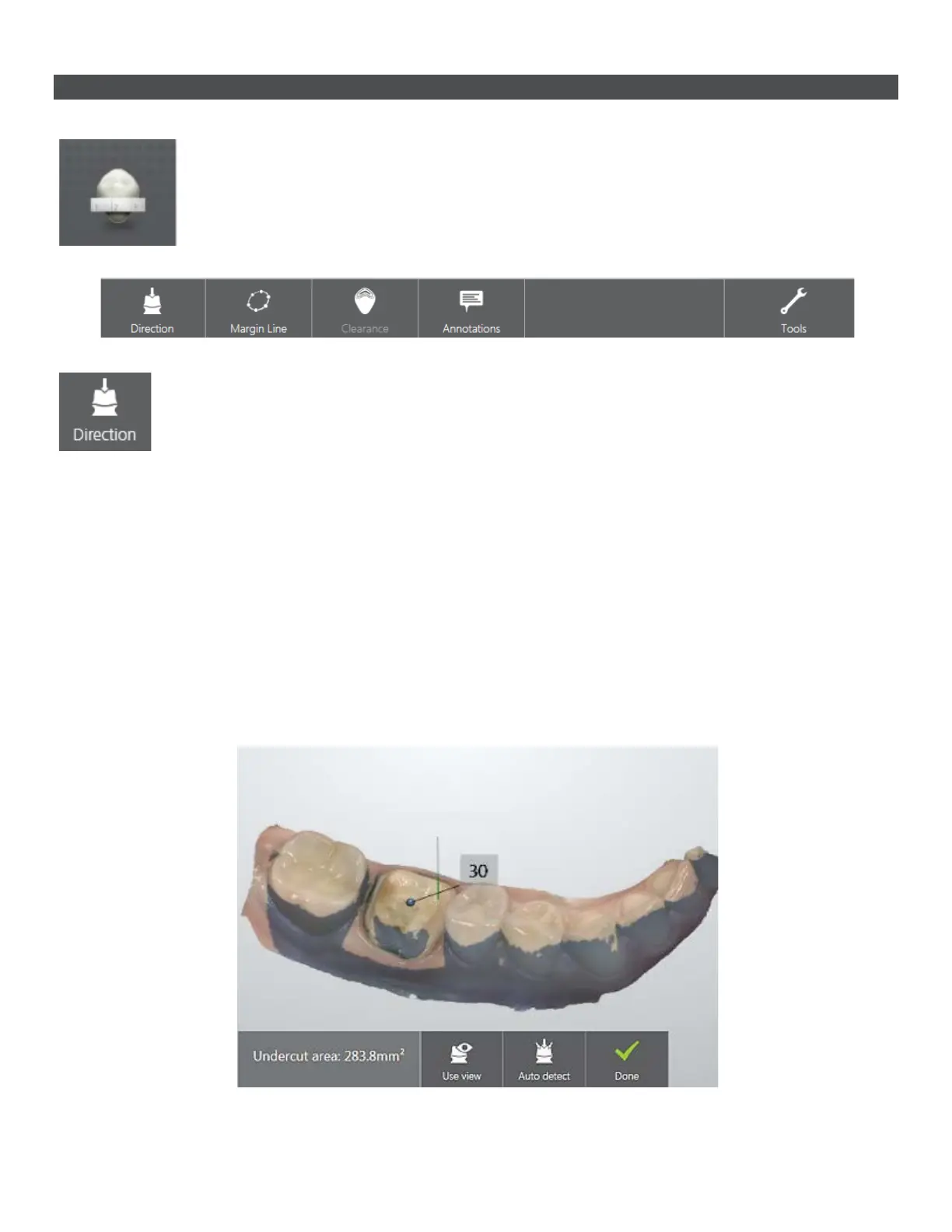
By optimizing the insertion direction you minimize undercuts. You can set the insertion direction in two
ways:
1. Use the A
uto detect button. The system automatically calculates and sets the insertion direction.
OR
2. Press the Use view button. The program detects the insertion direction based on your view of the
scan.
The undercut area is automatically measured and its value displayed on the screen.
Press Done when finished.
31



 To Next Page