3.3.4 Align Occlusion
AUTOMATIC ALIGNMENT
The software automatically aligns the scanned preparation and antagonist using the bite scan. However,
you can always re-align the scans
manually if needed. In order to start or adjust the alignment of the
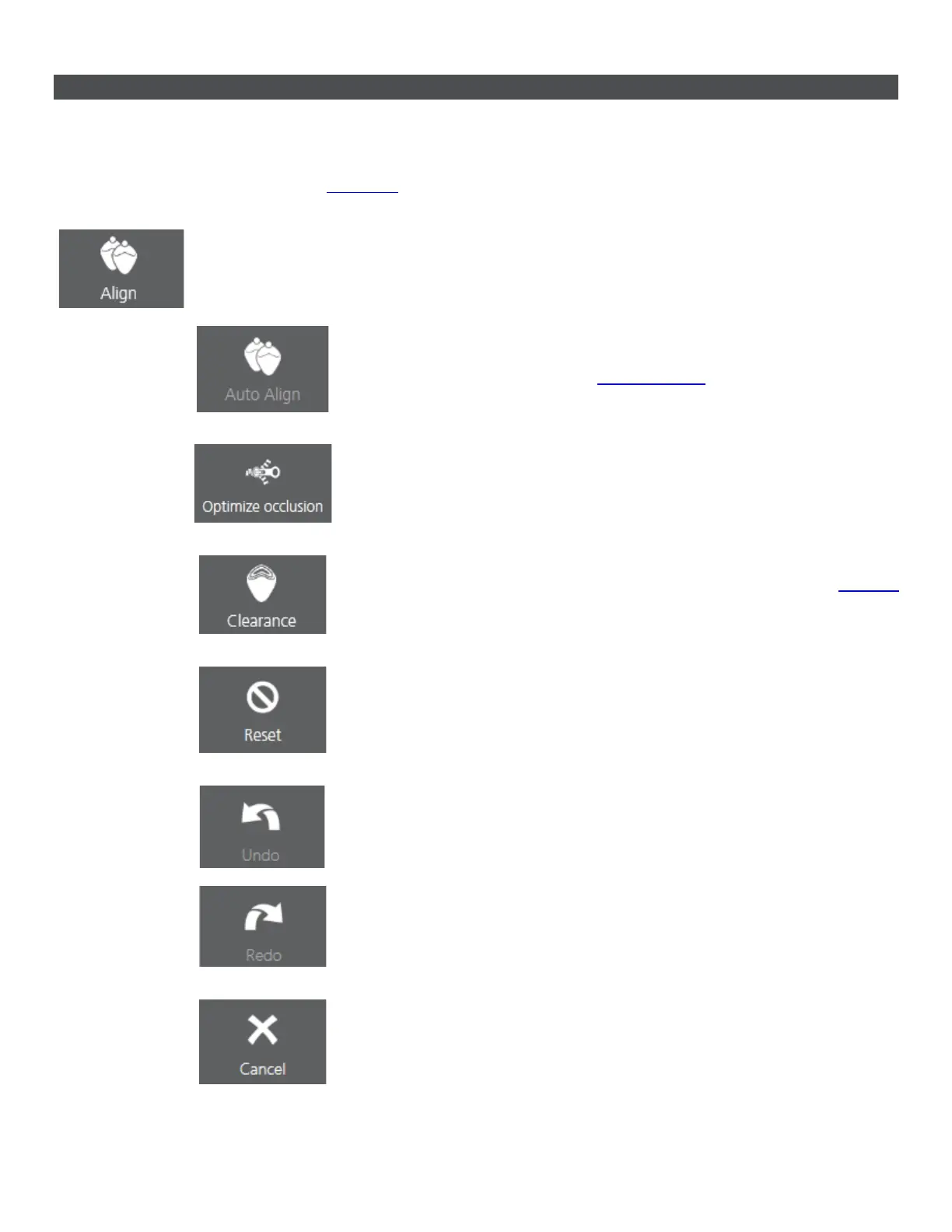
scanned jaws tap the Align button at the bottom.
Align - Opens alignment tool bar.
• Auto Align - automatically aligns the scanned preparation and
antagonist using the bite scan when pressed if the Use automatic
bite alignment feature in
Scan Settings was disabled.
• Optimize occlusion - Automatically adjusts the occlusion for an
optimal bite.
• Clearance - Analyzes the distance between preparation and
antagonist. You can also find the Clearance option on the
Analyze
page.
• Reset - Cancels the alignment changes and allows you to re-align
the scans again.
• Undo - Cancels the last action / Redo - Reverses the Undo action.
• Cancel - cancels the changes and closes the toolbar.
29



 To Next Page