4.3 Connection Settings
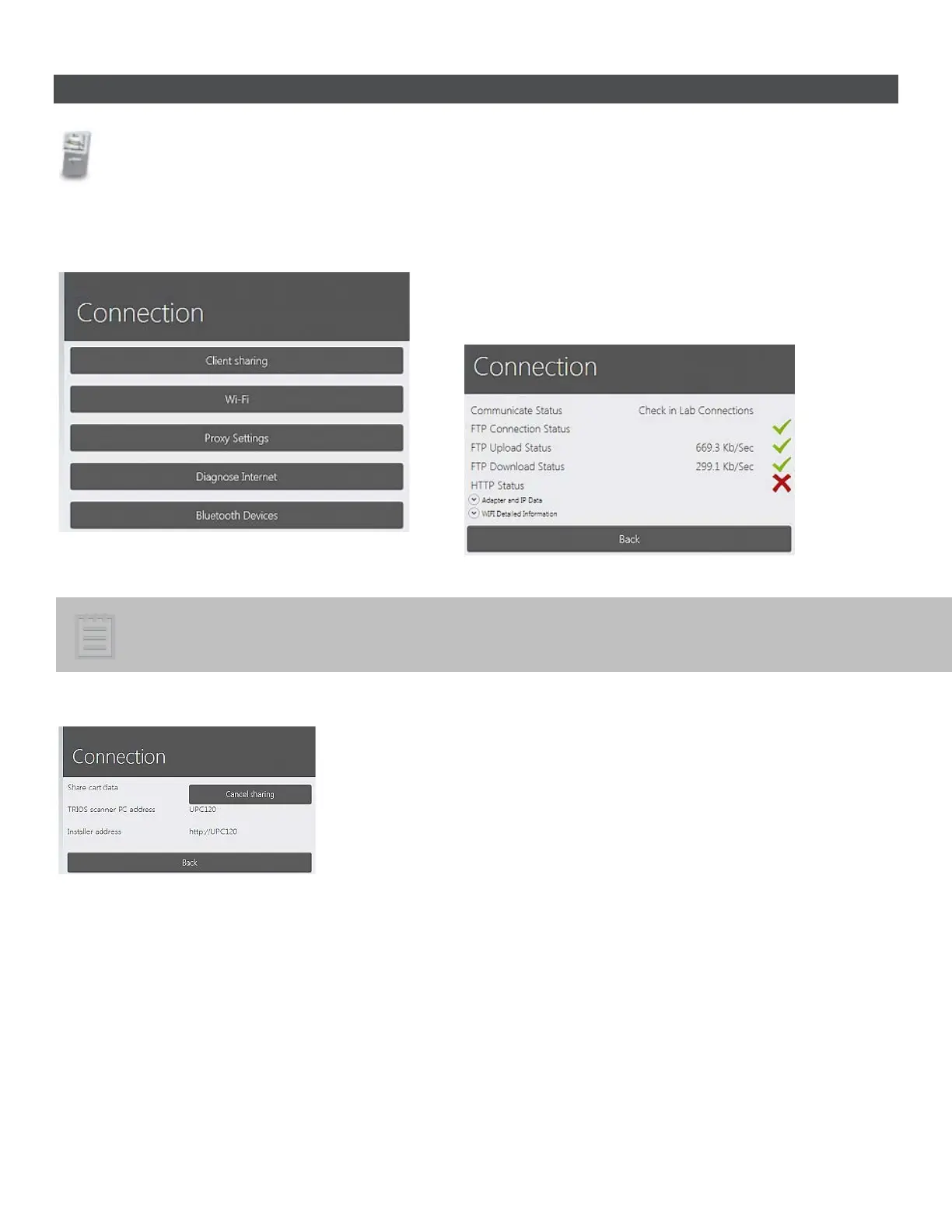
Connection frame contains configuration settings for:
• Client sharing - TRIOS cart data sharing setup.
• Wi-Fi - Wireless network connection setup.
• Proxy Settings - Internet access setup.
• Diagnose Internet - Tests your internet connection.
• Bluetooth Devices - Bluetooth device setup.
Note! The Wi-Fi and Bluetooth Devices buttons are enabled only in the cart installation of TRIOS.
CLIENT SHARING
• Pressing the Share button makes your TRIOS cart data (orders,
updates etc.) available for the client users.
• The shared path is used by the clients to connect to the TRIOS
cart.
• A client is an external version of the TRIOS software, that can
make and modify orders on the TRIOS (typically placed at the
receptionist of the clinic)
Wi-Fi
• Selected Wireless Network drop-down menu lets you choose
from the available networks. You would need to set the
Network password for the secure connection.
• Authentication Type / Encryption Type drop-
you choose the Authentication Type and Encryption Type for the
chosen network.
• Network name lets you manually type the name of the desired
network.
53



 To Next Page