•
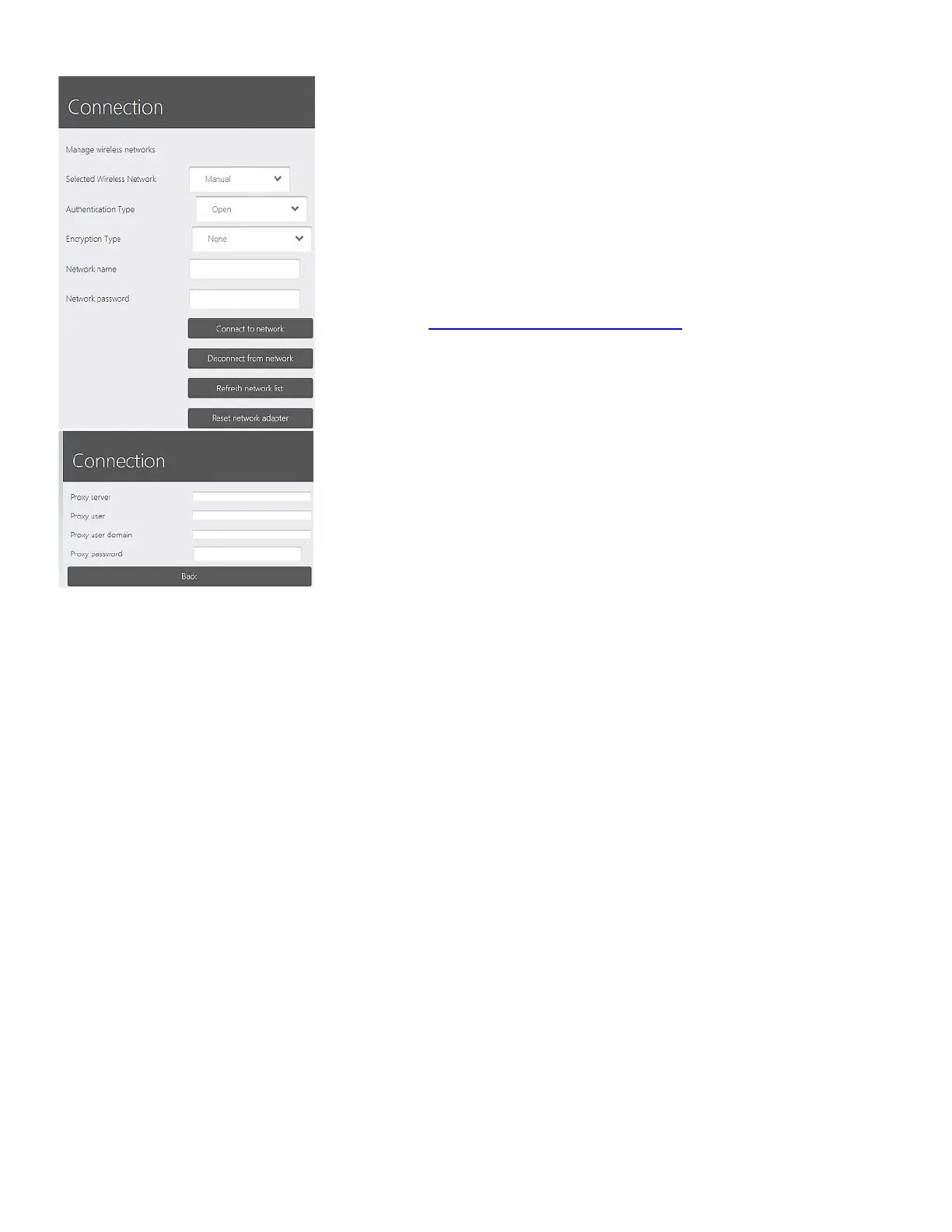
Connect to Network / Disconnect from Network buttons -
Establishes / closes connection to the selected wireless network.
If the connection is established, a small globe icon is displayed
next to the Selected Wireless Network drop-down menu.
• Refresh Network List button - Updates the list of available
networks in the Selected Wireless Networks drop-down
menu.
• Reset Network Adapter button - May help you solve a
connection problem.
Please read
Wi-Fi Installation Considerations section for guidelines on
wireless network installation.
PROXY SETTINGS
If your network uses a proxy, fill in your proxy settings here. They can
be obtained from your network administrator.
Bluetooth Devices
Opens up a page which allows you to connect to a Bluetooth device,
e.g. a keyboard.
54



 To Next Page