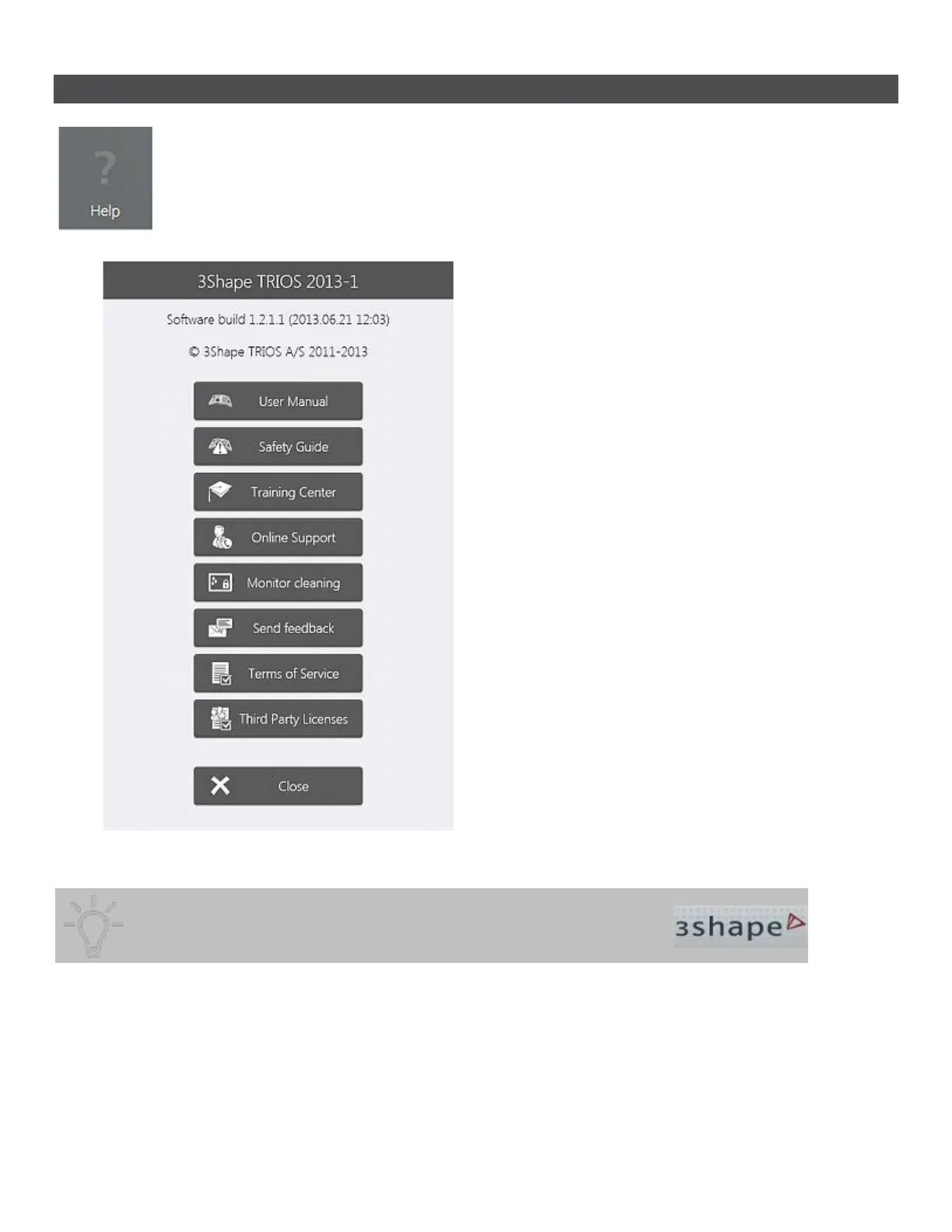
4.5 Help Options
Help window displays information about the current system version and
provides the following options:
• User Manual - Opens TRIOS online help.
• Safety Guide - Opens TRIOS Safety and
Setup Guide.
• Training Center - opens a dialog window
with training videos. Accessed from the
Help menu and Scanning Tools toolbar:
• Online Support - Launches a screen
sharing session for online support.
• Monitor cleaning - Locks the touch
screen interval for a short period of time to
allow cleaning of the monitor. (Available on
cart systems)
• Send feedback - Opens a form for
reporting a bug.
• Terms of Service - Opens the general
license terms and conditions.
• Third Party License - Opens a list with
third party licenses.
• Close - Closes the Help window.
Pressing the 3Shape logo also opens the Help dialog window.
Training Center allows you to select and view various training material:
56



 To Next Page