3 Taking Digital Impressions
3.1 TRIOS Workflow
3Shape TRIOS® realizes a full digital workflow:
Step 1:
Order creation
Step 2:
Impression scanning
Step 3:
Clinical validation
Step 4:
Uploading of digital impression
Step 5:
Communication with the lab
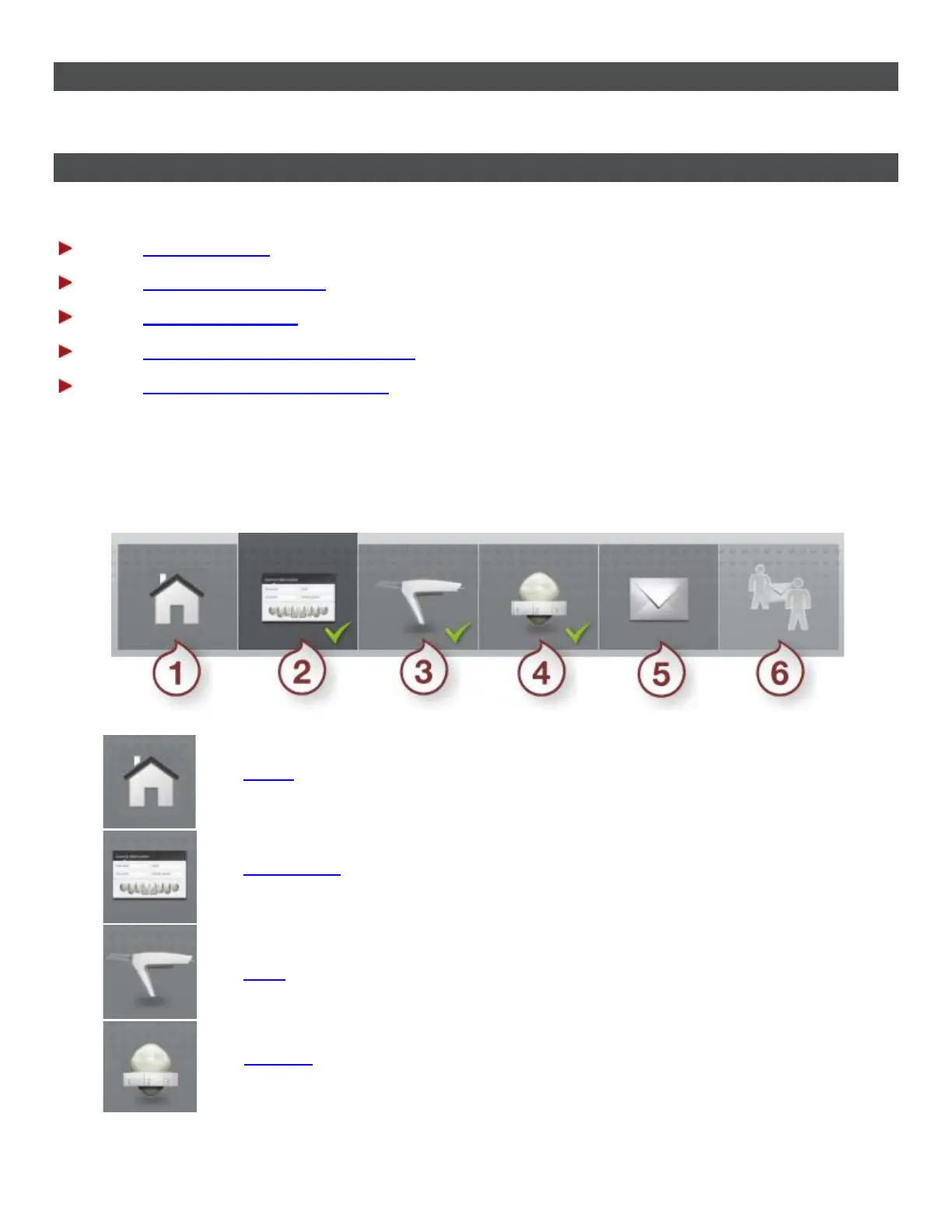
WORKFLOW TOOLBAR
The Workflow toolbar appears at the top or bottom of the main window and guides you through the main
TRIOS workflow steps:
(1) Home - Opens a calendar with order sessions for the selected day. Lets you
search orders and configure TRIOS.
(2) Order form - Opens the Order form for creating an order and specifying
order details.
(3) Scan - Opens the scanning window for taking a digital impression.
(4) Analyze - Opens a window with special tools for inspecting and validating
your impression scan.
8



 To Next Page