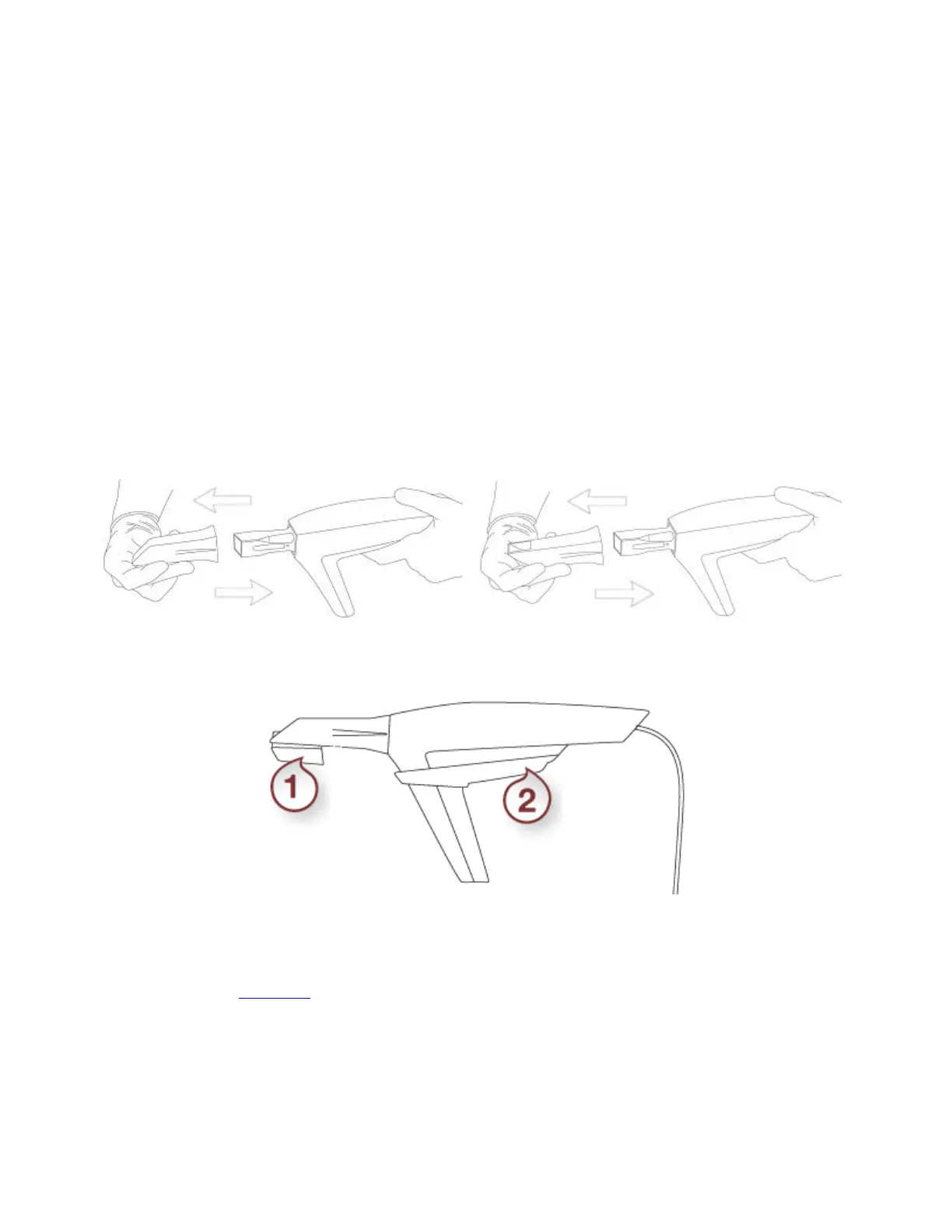
About heating the scanner tip:
To avoid condensation, the scanner tip must be warmed up by the cart heater before scanning. When you
open the scanning screen, the heater turns on automatically if the scanner is placed on the scanner
mount with the scanner tip facing down. The heater measures the temperature of the scanner tip and
turns itself off when the scanner tip is warm enough. The heater continues to monitor the scanner tip (as
long as it is on the scanner mount with the tip facing down) and will re-heat the scanner tip if the
temperature drops below the optimal temperature.
• T12A: Follow the same approach as for TRIOS11A except that a clean and sterile scanner tip is
already mounted onto the scanner.
• T12P: A clean and sterile scanner tip is already mounted onto the scanner and the tip has already
been heated.
2. Once the scanner tip is warmed up, you may need to change its position depending on the jaw you are
about to scan:
Scanning the lower jaw - Tip Mirror is facing down
Scanning the upper jaw - Tip Mirror is facing up
Continue to the Scanning chapter.
20



 To Next Page