Step 4: Select the scanning option
1. Press the Scan button in the workflow bar at the top to go to the
scanning screen.
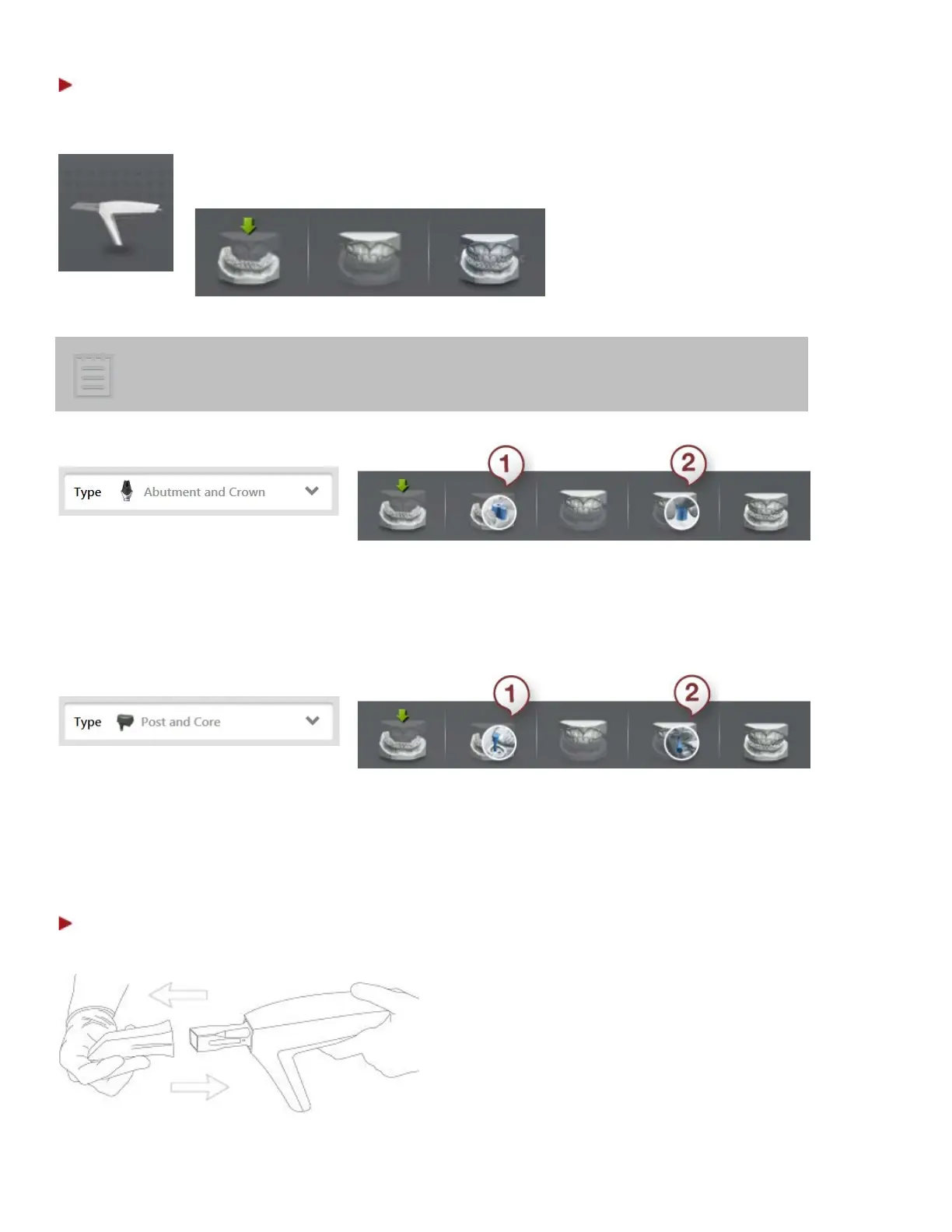
2. Select the button for the scan you require: upper jaw, lower jaw or
occlusion.
The scanning option can also contain buttons for scanning implants, post and
core on upper and/or lower jaw(s) if a corresponding job type has been selected in
the Order Form
(see the images below):
Abutment and Crown job type selected in
the Order Form
(1) Scan lower scanbody (2) Scan upper scanbody
Post and Core job type selected in
the Order Form
(1) Scan lower scanbody (2) Scan upper scanbody
Step 5: Prepare your scanner
1. Warm up the scanner tip to avoid
condensation.
TRIOS11A: Just before scanning, remove the
protection and heater tip and mount a clean
and sterile scanner tip onto the scanner. The
scanner tip must be positioned facing down in
order for the heater to warm it up. Return the
scanner to the scanner-mount on the cart
and allow the scanner tip to warm up. The tip
is ready when the heater turns off.
19



 To Next Page