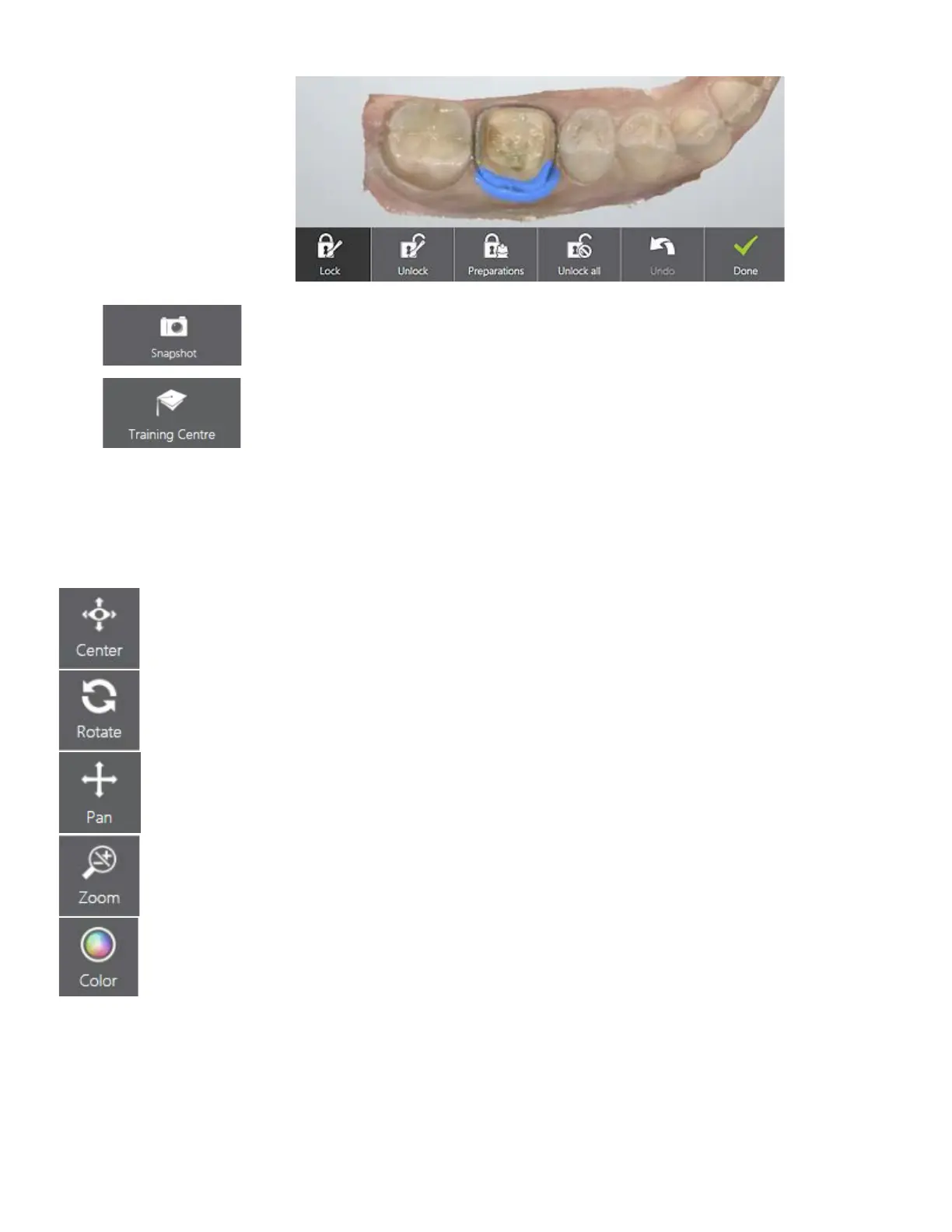
o Snapshot - Adds a snapshot to the order.
o Training Center -
Opens a window with links to view various training
material.
Visualization Toolbar
You can change the model viewing modes: Center, Rotation, Translation, Zoom and Color by pressing
the corresponding buttons in the Visualization toolbar.
Center - Centers the model and places it in a middle of the screen.
Rotate - Rotates the model.
Pan - Moves the model.
Zoom - Allows you to zoom the model in/out by moving the finger up/down.
Color - the button is present in the toolbar when a color scanner is connected. It
can be used to toggle between color and B&W scan image representations.
28



 To Next Page