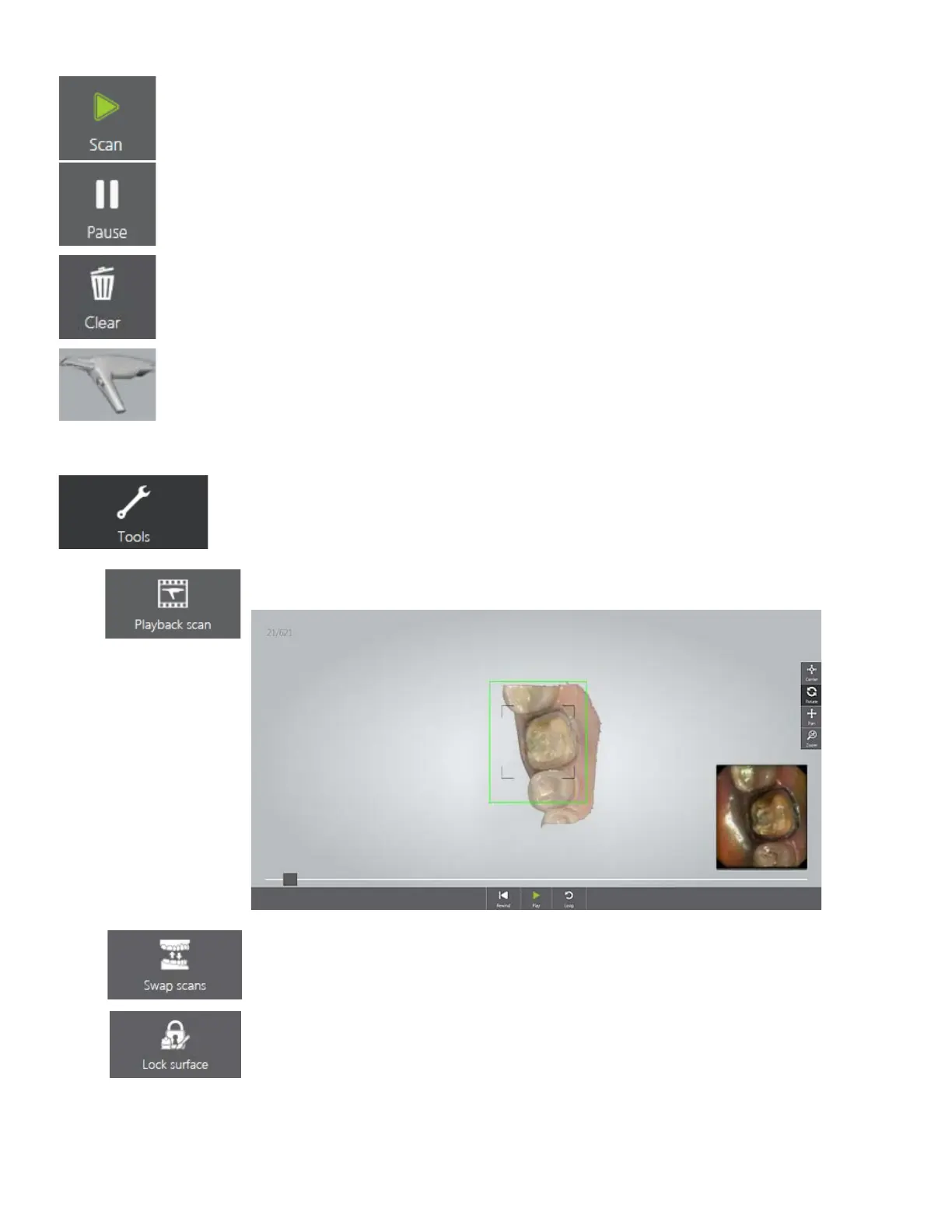
• Scan / Pause scanning (typically the Scan Activation button on the
scanner is used).
• Clear - Removes the whole scan to start over.
• Indicates scanner's orientation.
• Tools
menu
o Playback scan - Plays back the scanning process.
o Swap scans - Swaps upper and lower jaw scans. Requires user
confirmation. This is useful if the operator accidentally scanned the
wrong jaw.
o Lock surface - Apply by painting the area to lock. Locked (colored)
area will not be updated by further scanning. Use this feature to fix
retracted gingiva after immediate scanning as it might collapse and
possibly degrade the scan area otherwise. Locking does not affect
trimming, you can still trim the locked surface. Deleted locked surface
can be re-scanned.
27



 To Next Page