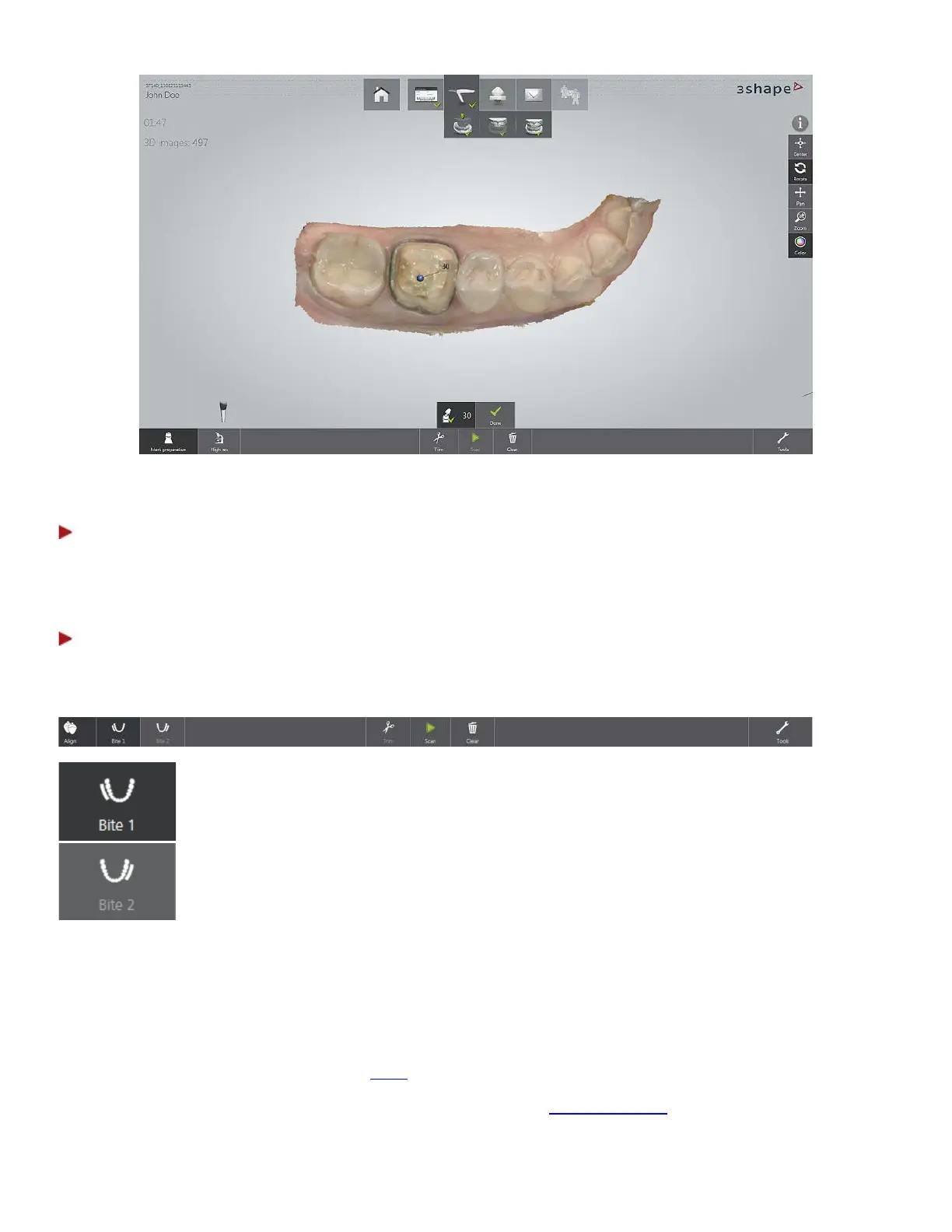
Once all preparations are marked the Mark preparation menu closes.
Step 4: Scan antagonist
Continue by scanning the antagonist if required. The workflow is similar to the steps described above
apart from making preparations.
Step 5: Scan occlusion
The bite scanning option appears in the toolbar at the bottom of the screen with a pop-up shown as a
guide:
- Always required: For quadrants, Bite 1 is the only bite scan required.
For full arches, it is one of the two bite scans required.
- Only required if scanning full arches. Must be the opposite side to
Scan each bite while moving the scanner in a single sweep making sure to have an equal amount of
surface from the upper and lower teeth.
After the first scan the system starts aligning the jaws. If you are scanning a full jaw case, you should
start scanning the second bite while the progress bar is shown. This will abort the alignment and resume
when the second bite is completed.
Please refer to the scanning strategy of
bites.
You need to align the scanned occlusion. See the help chapter
Align Occlusion for instructions.
24



 To Next Page