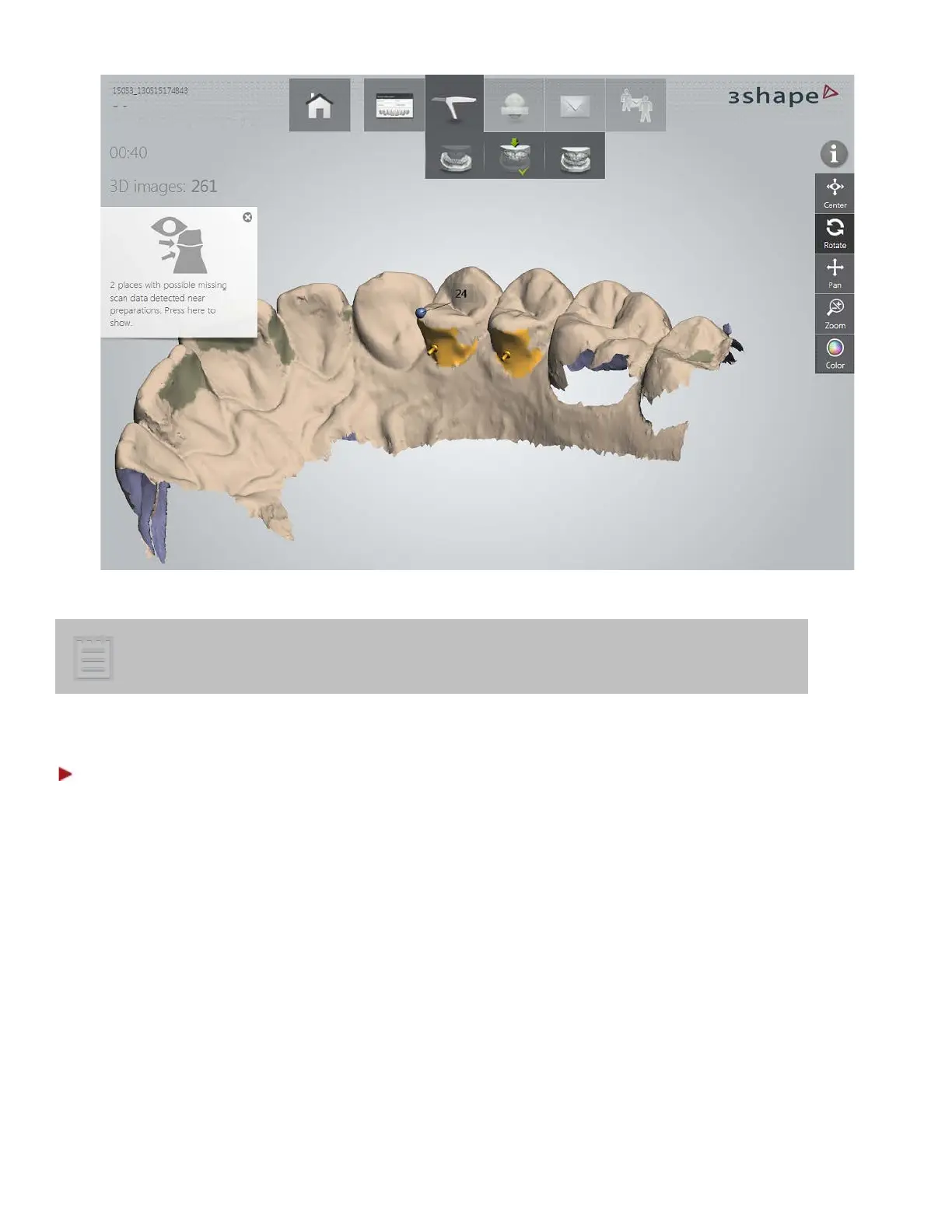
When making color scans please avoid the light from the dentist chair lamp
pointing directly into the patient's mouth as this will affect the color quality.
Step 3: Mark Preparation
Mark preparation menu automatically appears at the bottom of the screen when you stop scanning or it
can be opened by tapping the Mark Preparation button. The menu consists of buttons numbered
according to the corresponding teeth. When one preparation is marked, the system automatically selects
the button of the next preparation. Make sure to mark the right preparation for every numbered button.
The currently active button has a darker color.
23



 To Next Page