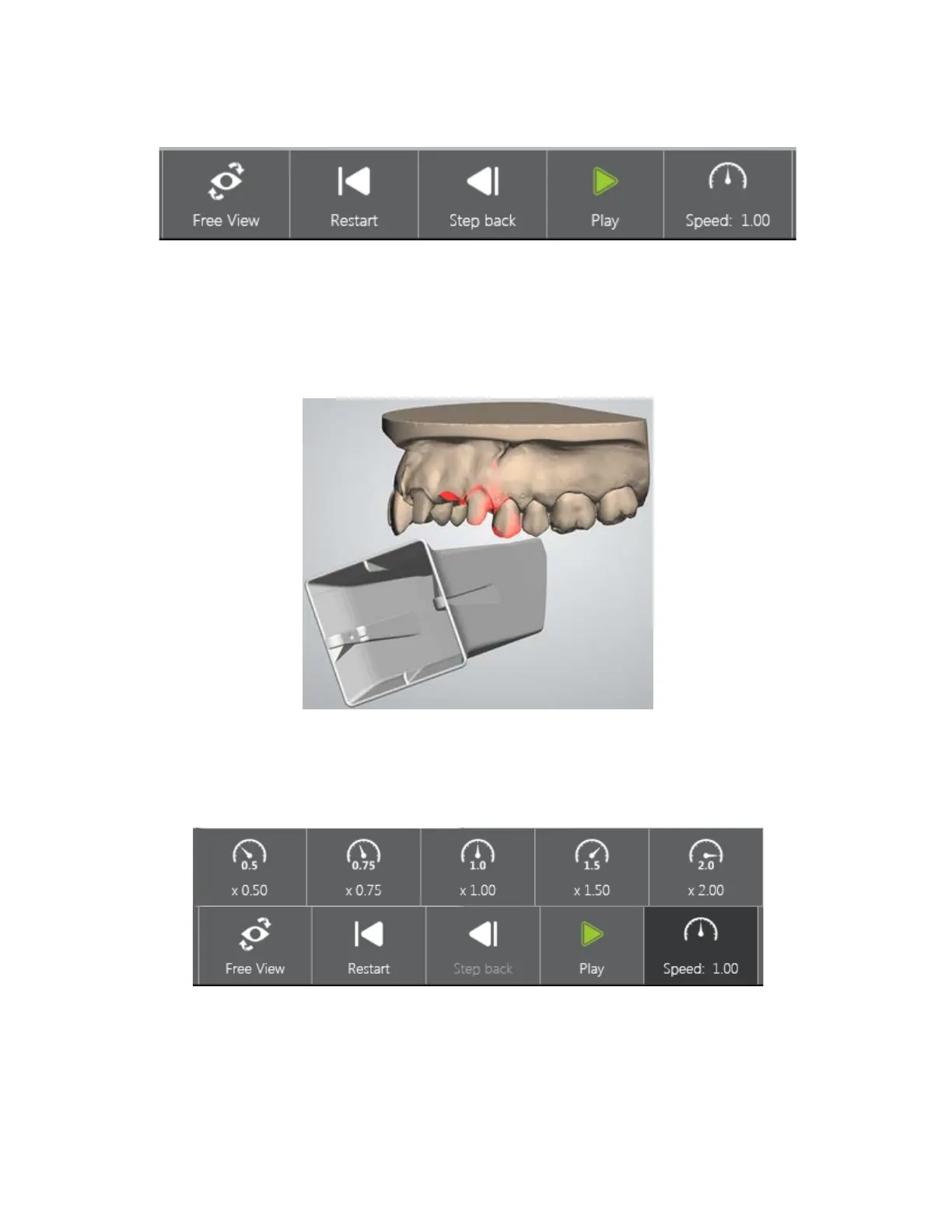
The video can be controlled with the buttons at the bottom:
• Free View - Enables rotation of the preparation for setting the desired viewing angle during the
video playback. If you do not select the Free View, the optimal viewing angle is controlled
automatically:
• Restart - Starts video playback form the beginning.
• Step back - The video is moved one step back.
• Play - Initiates video playback.
• Speed: - Allows you to select the desired playback speed from available:
The Visualization Toolbars let you switch between viewing modes by pressing the corresponding
buttons.
58



 To Next Page