Step 7: Attach the scan body to implant.
Step 8: Select the second page of the implant scan with the scan body icon:
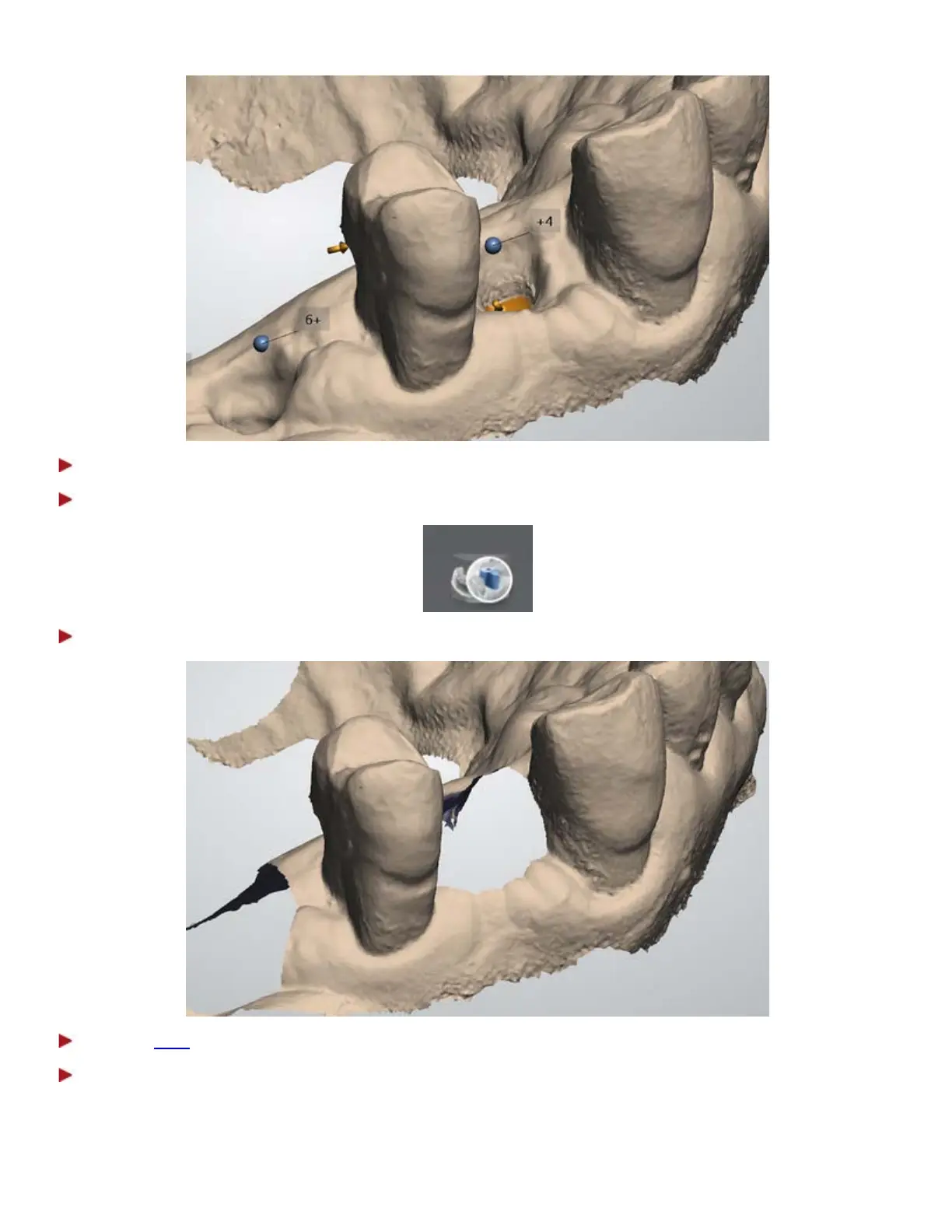
Step 9: The area around the scan bodies is automatically removed.
Step 10:
Trim the areas, if the automatic removal was insufficient.
Step 11: Scan the scan body starting from the surface 1-2 teeth away from the scan body for the
system to recognize 3D structures (the scan body does not need to be perfectly scanned but must contain
enough information to be used by the laboratory to detect the placement of the implant).
If the contact points were auto deleted, there is no need to re-scan them again.
37



 To Next Page