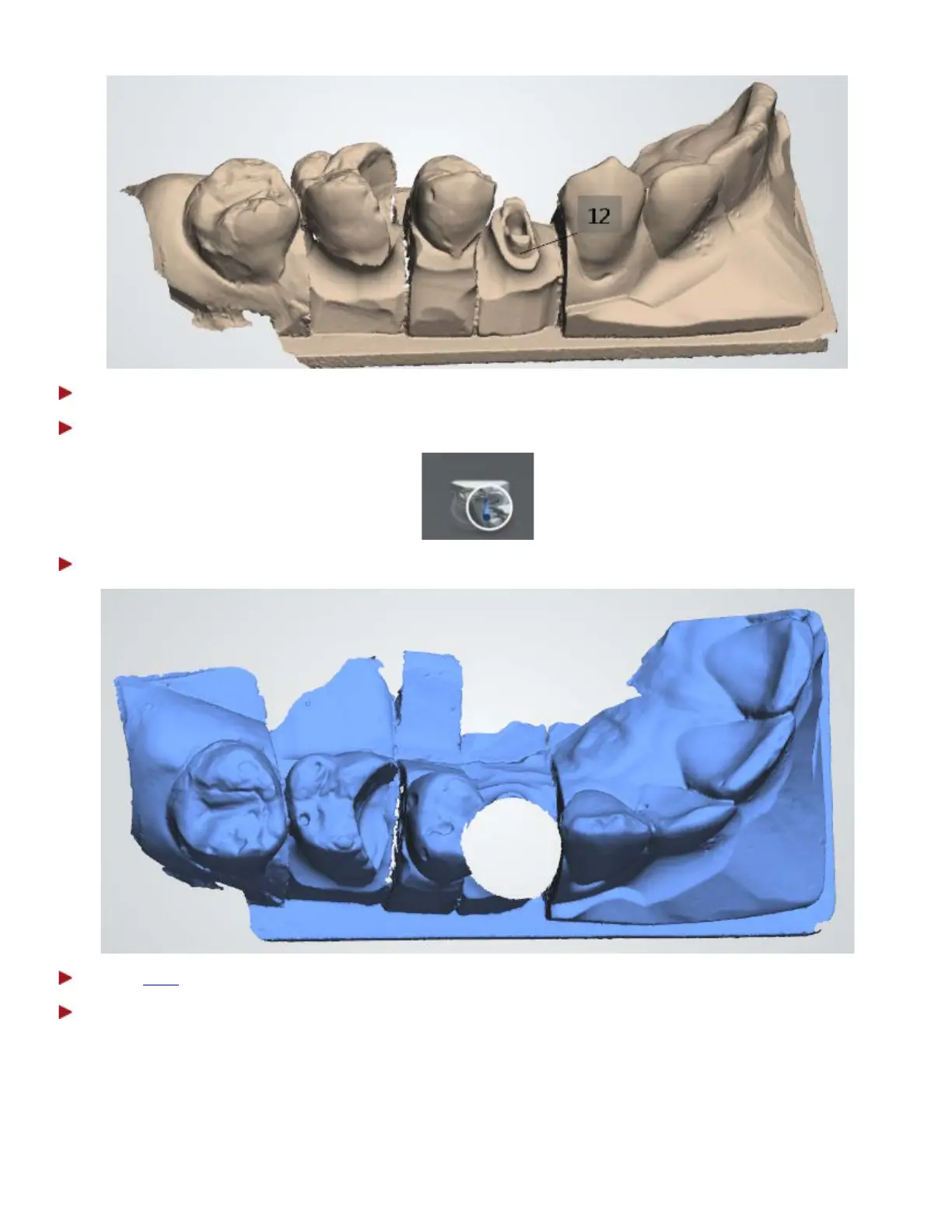
Step 6: Attach a scan flag to post and core.
Step 7: Select the second page of the post and core scan with the scan flag icon:
Step 8: The area around the scan flag is automatically removed.
Step 9:
Trim the areas, if the automatic removal was insufficient.
Step 10: Scan the scan flag starting from the surface 1-2 teeth away from the scan flag for the system
to recognise 3D structures.
If the contact points were auto deleted, there is no need to re-scan them again. Only the scan post is
important for later alignment.
40



 To Next Page