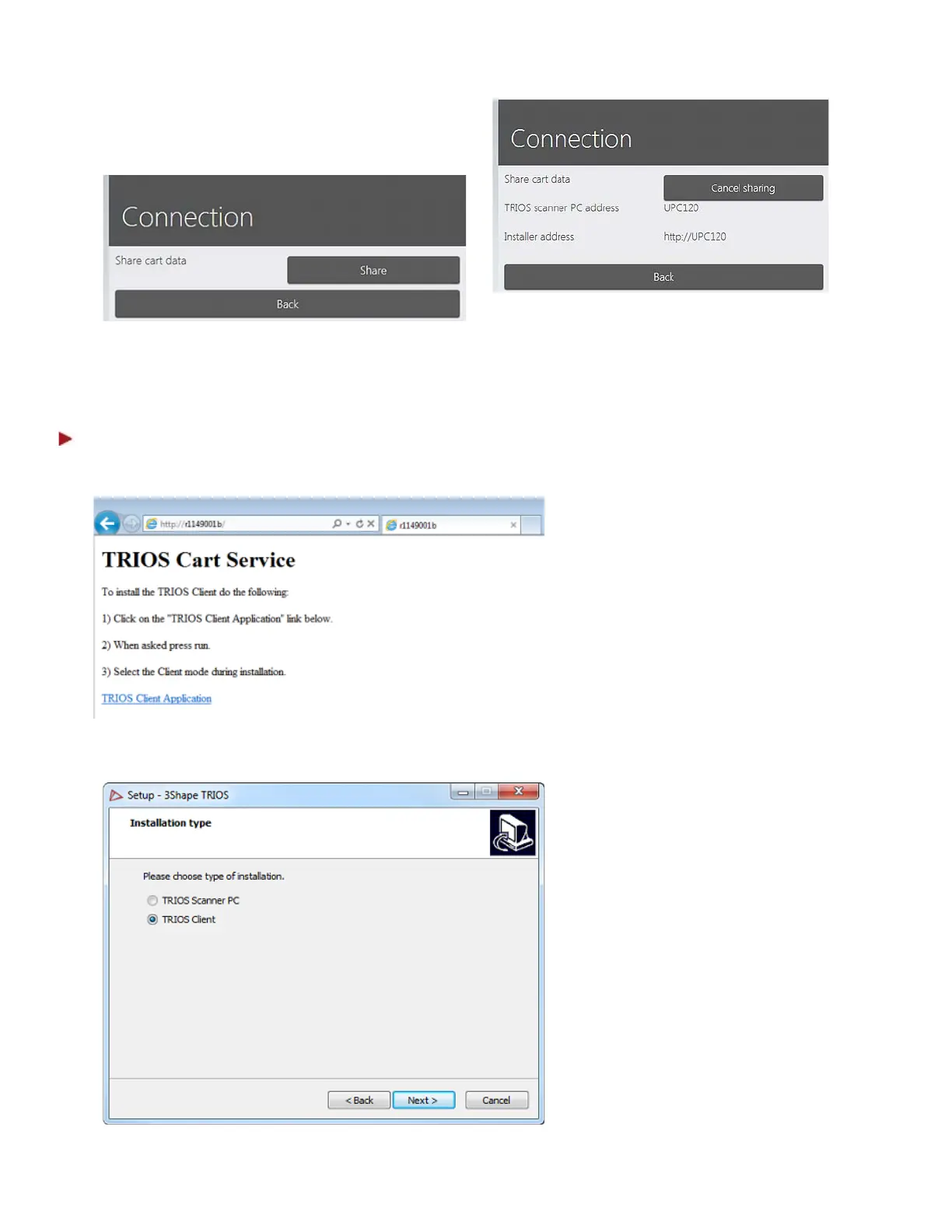
3. Press the Share button and confirm
your choice to enable Client sharing.
Copy the Installer address to use for Client installation (see Step 2) and the Cart address to connect the
Clients to (see Step 3).
Step 2: Run the Client installation
1. The TRIOS installer can be found
via the link from the Cart
settings by typing it in a file
explorer or a web browser. This
opens a web page with
instructions and a link to the
Client Installation file.
2. When clicking the TRIOS Client
Application link you can either
choose to Run the installation
after the download, or save it for
later installation.
3. Select Client option in the
appearing Installation type
screen.
4. Press the Next> button to
continue the installation
process.
61



 To Next Page