User’s Manual
User’s ManualUser’s Manual
User’s Manual
EAP200
EAP200EAP200
EAP200 Enterprise Access Point ENGLISH
26
Copyright © 4IPNET, INC.
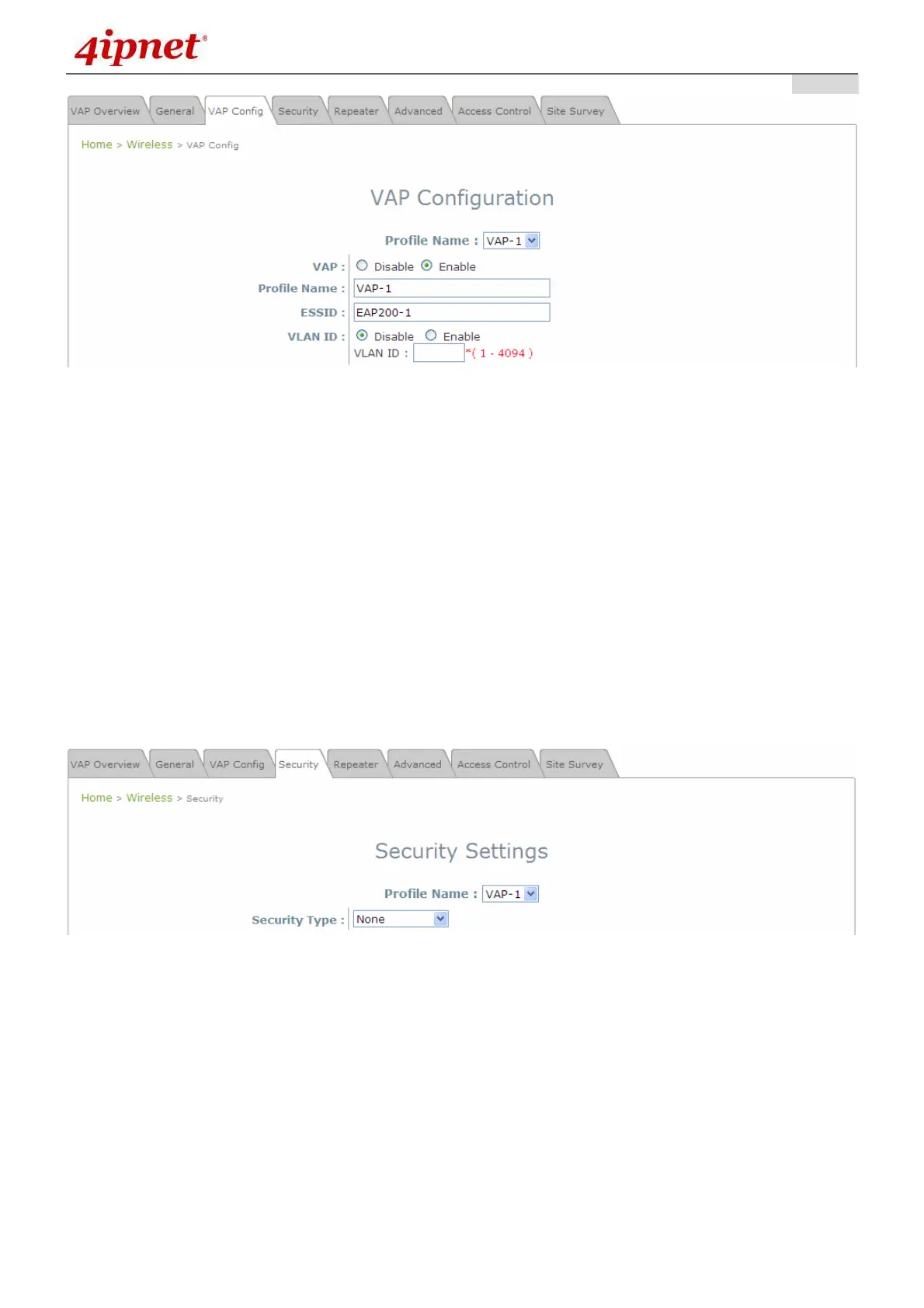
VAP Configuration Page (VAP-1 as shown for example)
Select Enable for the VAP field and click SAVE. Click the Overview tab to return to the previous table
to begin the next step.
Step 2: Configure Security Settings for your VAP
The following instructions will guide the user to set up wireless security with a specific VAP. If only
restricted access of certain MAC addresses is desired, skip to the Step3. MAC restriction can be
coupled with wireless security to provide extra protection.
First, click on the corresponding cell in the column labeled Security Type. This hyperlink will direct
the user to the following Security Settings page.
Security Settings Page (VAP-1 as shown for example)
Select the desired Security Type from the drop-down menu, which includes None, WEP, 802.1X,
WPA-PSK, and WPA-RADIUS.



 To Next Page