User’s Manual
User’s ManualUser’s Manual
User’s Manual
EAP200
EAP200EAP200
EAP200 Enterprise Access Point ENGLISH
68
Copyright © 4IPNET, INC.
Type (when EtherType is IEEE802.3): The field can be used to indicate the type of encapsulated
traffics.
VLAN ID (when EtherType is 802.1 Q): The VLAN ID is provided to associate with certain VLAN-
tagging traffics.
Priority (when EtherType is 802.1 Q): It denotes the priority level with associated VLAN traffics.
Encapsulated Type (when EtherType is 802.1 Q): It can be used to indicate the type of
encapsulated traffics.
Opcode (when EtherType is ARP/RARP): This list can be used to specify the ARP Opcode in ARP
header.
Source: MAC Address/Mask indicates the source MAC; IP Address/Mask indicates the source IP
address (when EtherType is IPv4); ARP IP/MAC & MASK indicate the ARP payload fields.
Destination: MAC Address/Mask indicates the destination MAC; IP Address/Mask indicates the
destination IP address (when EtherType is IPv4); ARP IP/MAC & MASK indicate the ARP payload
fields.
Action: The rule can be chosen to be Block or Pass.
Remark: The note of this rule can be specified here.
When the configuration for firewall rule is provided; please click SAVE and Reboot system to let the
firewall rule take effort.
>>To insert a specific rule,
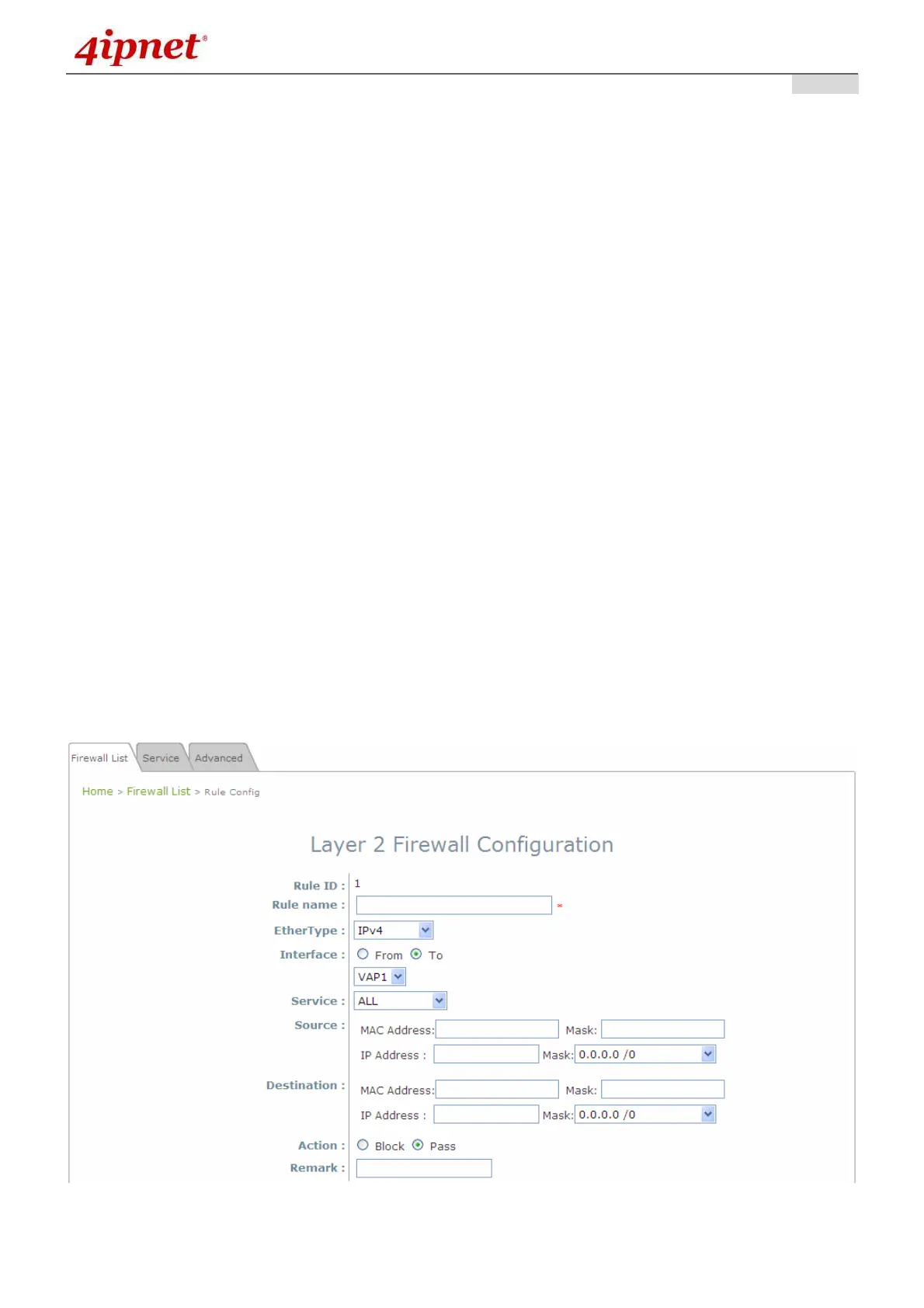
In in Setting column of firewall list will lead to the following page for detail configuration with rule ID for
the current inserted rule.
From this page, the rule can be edited form scratch or from an existing rule for revision.



 To Next Page