Aprisa SRx User Manual 1.3.0
Example:
In the screen shot, the rules are configured in the base station which controls the radio link traffic from
base station to remote / repeater stations.
Traffic from a device with the MAC address 00:01:50:c2:01:00 is forwarded over the radio link if it meets
the criteria:
Rule 1 If the Ethernet Type is ARP going to any destination MAC address or
Rule 2 If the Ethernet Type is Any and the destination MAC address is 01:00:50:c2:01:02 or
Rule 3 If the Ethernet Type is VLAN tagged packets going to any destination MAC address
Special L2 Filtering Rules:
Unicast Only Traffic
This L2 filtering allows for Unicast only traffic and drop broadcast and multicast traffic. This filtering is
achieved by adding the two rules:
Allow Unicasts from Any source
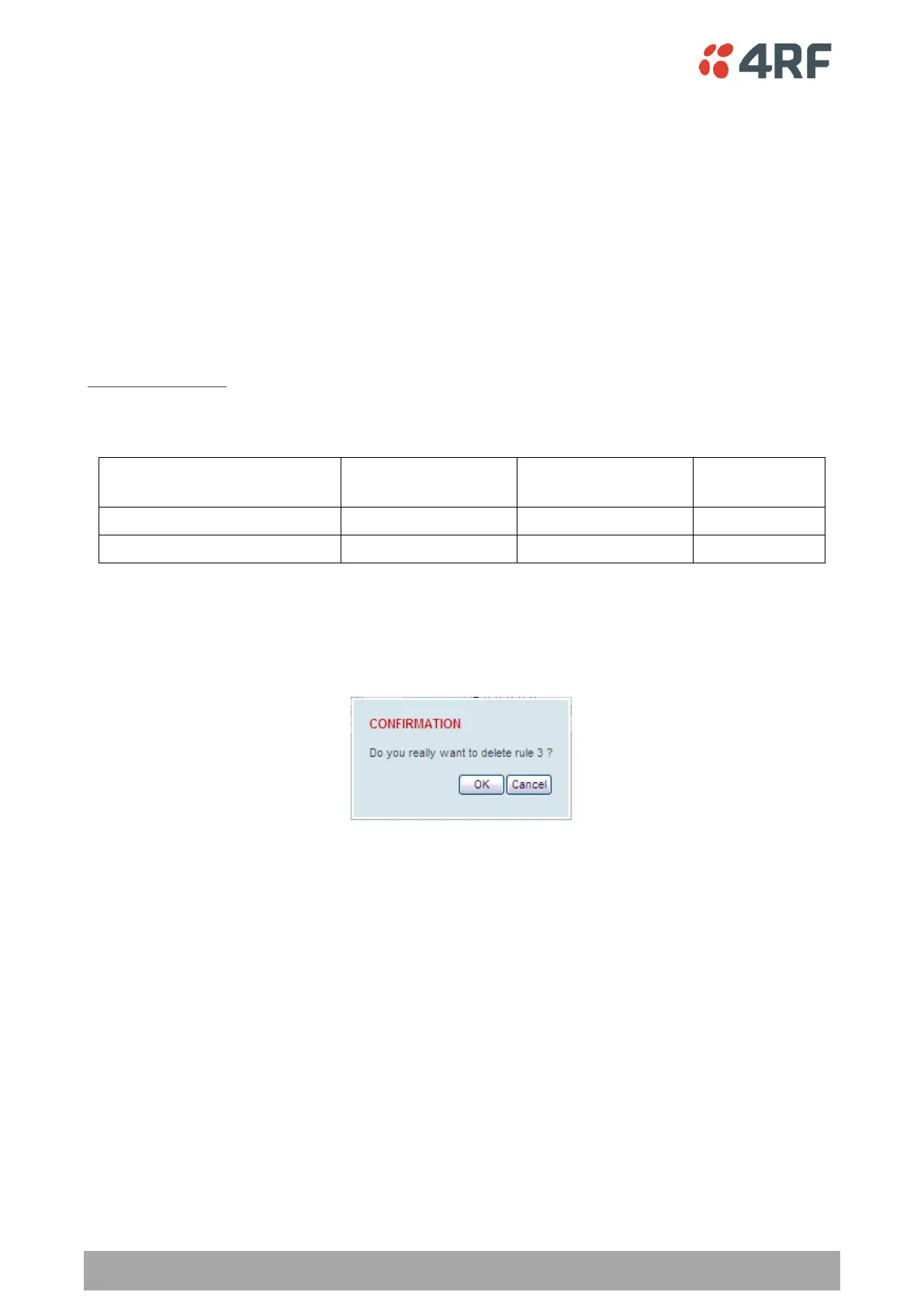
To delete a L2 Filter:
1. Click on an existing rule ‘Select’.
2. Click on Delete.
3. Click on OK.
ADD NEW FILTER
To add a L2 Filter:
1. Enter the Rule ID number. This is a unique rule number between 1 and 25.
2. Enter the Source MAC address of the packet or ‘FF:FF:FF:FF:FF:FF’ to accept traffic from any MAC
address.
3. Enter the Destination MAC address of the packet or ‘FF:FF:FF:FF:FF:FF’ to deliver traffic to any MAC
address.
4. Select the Protocol Type to ARP, VLAN, IPv4, IPv6 or Any type.
5. Click on Add.



 To Next Page