MULTIMEDIA
256
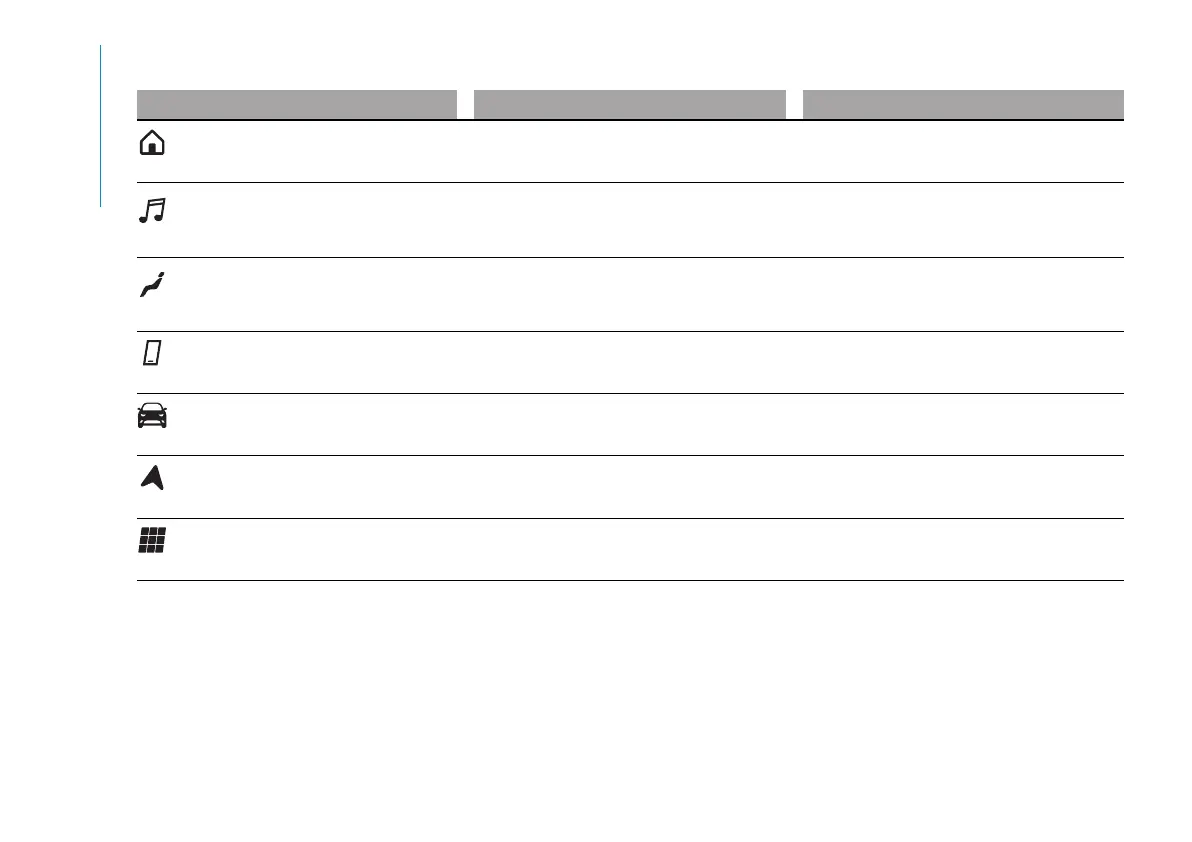
GRAPHIC BUTTONS ON DISPLAY (A)
Graphic button Functions Mode
Home
Show the main screen Press graphic button
Media
Access Media mode to select available
sources, folder tracks and interaction with
audio settings
Press graphic button
Comfort
Climate control system settings (air flow, set
indoor temperature) and heated seat (where
provided)
Press graphic button
Phone
Access to the Phone mode Press graphic button
Vehicle
Access to additional car settings and
functions
Press graphic button
Nav
Start Navigation system Press graphic button
App
Access the list of available Apps Press graphic button
You can customise the order of the buttons by holding down the icon to move and dragging it to the desired position.
NOTE Customisation is only active when the car is stationary. If an attempt is made to customise with the car in motion or to resume driving
without having completed the operation, a warning message will appear on the display and the operation will be ended.



 To Next Page