ABEM Terrameter LS
16
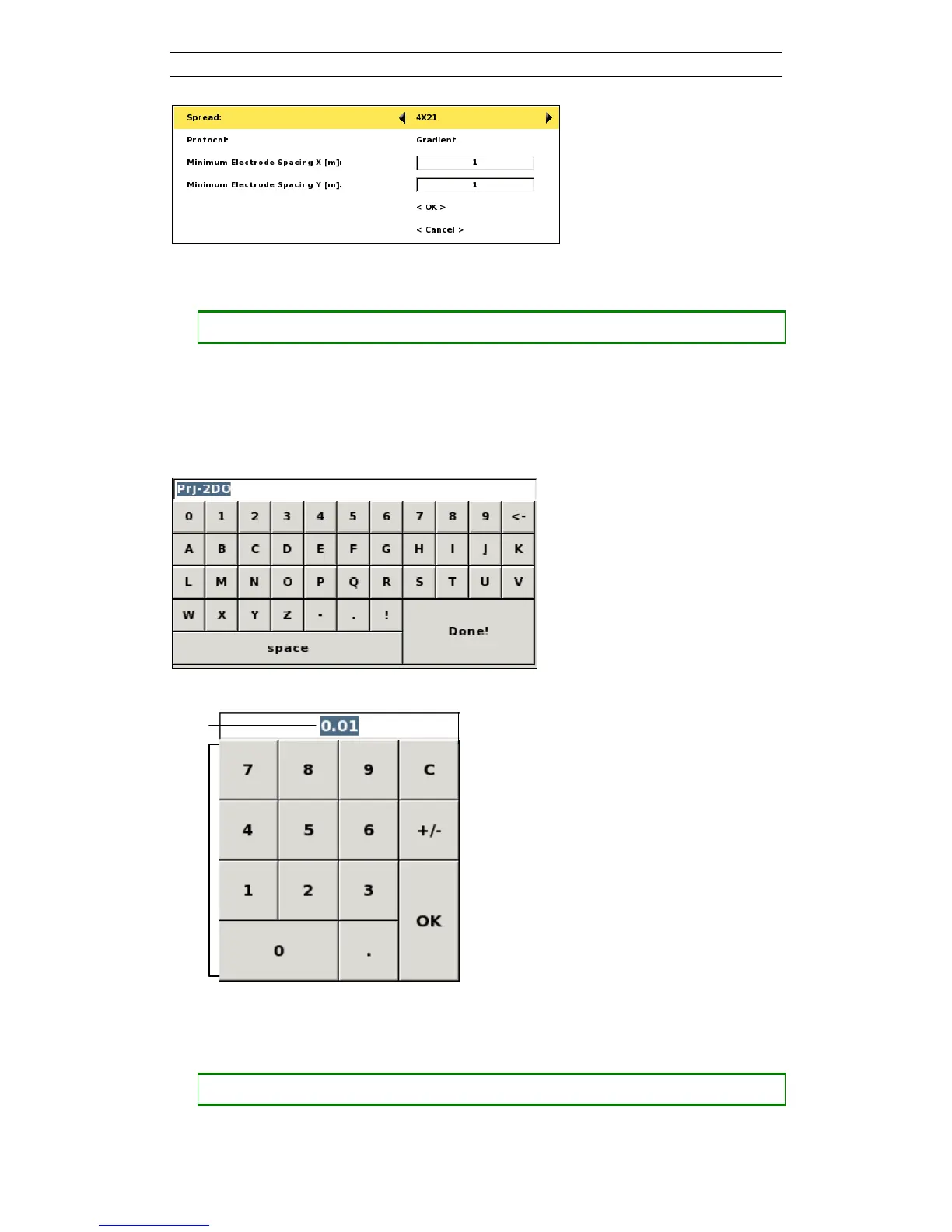
Figure 13. Example of a fixed choice value
• Changing a fixed choice value
― Press <Left> and/or <Right>
3.5.2 The Keyboard Emulators
Two different keyboard emulators are used when the built-in keyboard is to be used to
enter text and data values. One emulator is alphanumeric and the other is numeric.
Alternatively an external keyboard can be used.
Figure 14. Alphanumerical keyboard emulator
Figure 15. Numerical keypad emulator with its parts pointed out
The edit text will be highlighted when a keyboard emulator is opened.
• Opening a keyboard emulator
― Make sure the text to be edited is highlighted or has the blinking cursor inside



 To Next Page