ABEM Terrameter LS
22
― Press <Ok>
Warning! If the task to be created does not use a parallel line then
it is highly recommended to set the Minimum Electrode
Spacing Y value to 1. Not doing so might result in
calculation errors.
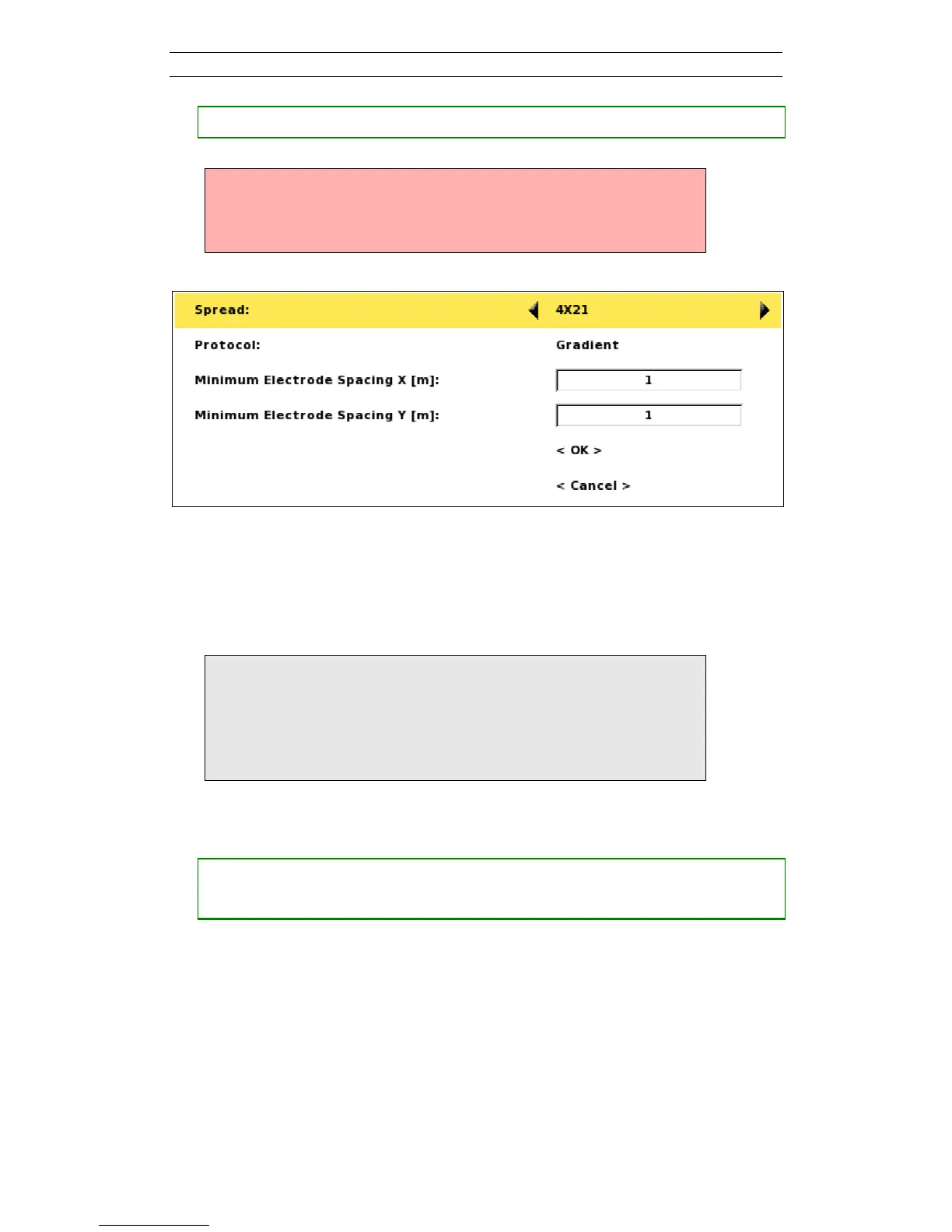
Figure 22. Create new task dialog
Alternatively the “<Create New Task>” item of the Task option menu can be used
to create a new Task, see below.
Note! After creating a new Task it may be necessary to check,
and possibly modify, the data acquisition settings before
starting taking measurements. For this reason the
“Settings/Receiver” View will automatically be shown
for a newly created Task, see chapter 5.2.2 Data
Acquisition Settings
• Opening the Task option menu
― Move the highlight to the wanted Task
― Press <Options> and the option menu of Figure 23 will be shown



 To Next Page