ABEM Terrameter LS
25
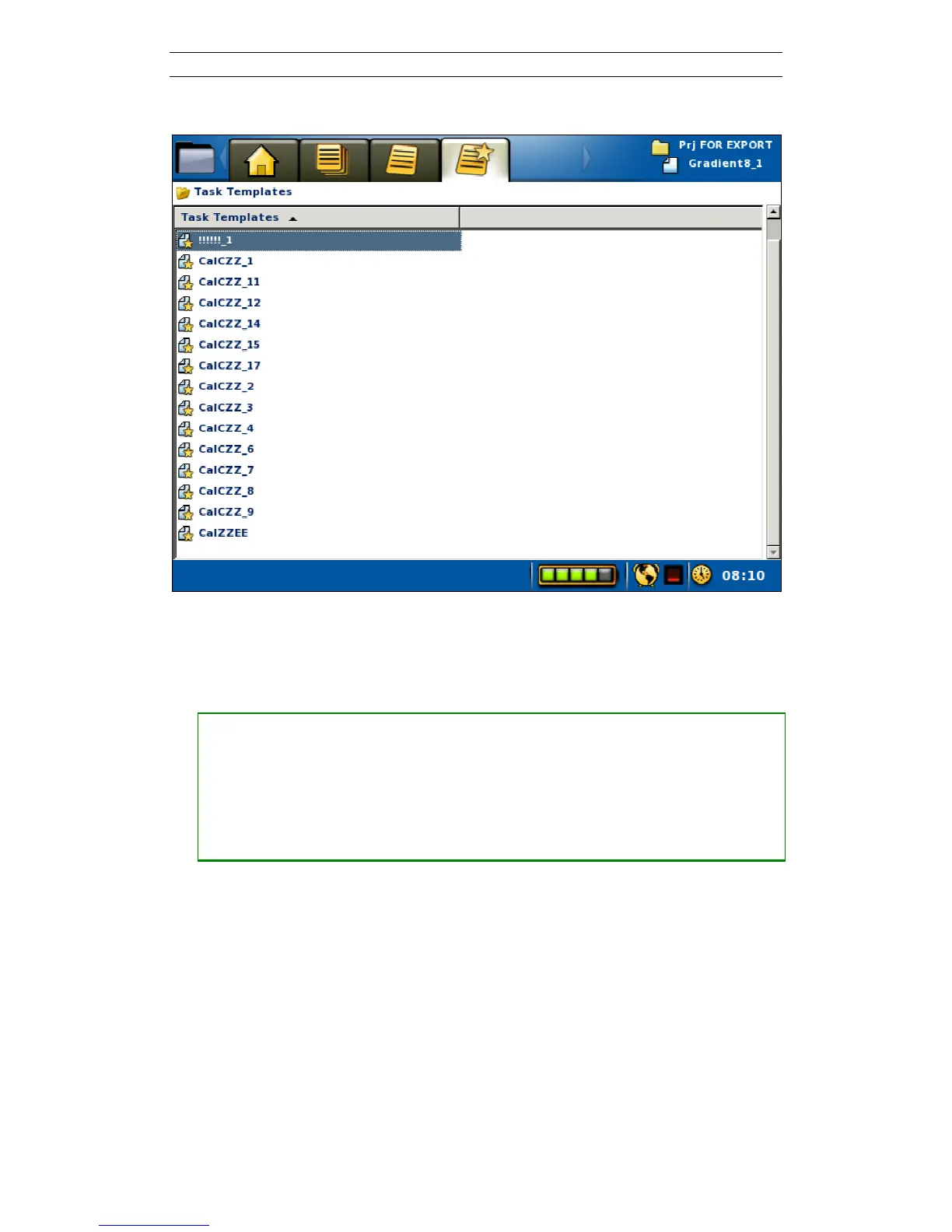
Templates are managed in the “Projects/Task Templates” View (Figure 26).
Figure 26 Task Templates View
Templates can only be created in the “Projects/Task List” View.
• Create a Template, that is save the settings from a Task as a Template
― Open the “Projects/Task List” View
― Move the highlight to the wanted Task
― Press <Options> and the Task option menu will be shown
― Move the highlight the <Save as template> item (Figure 27)
― Press <Ok>



 To Next Page