ABEM Terrameter LS
26
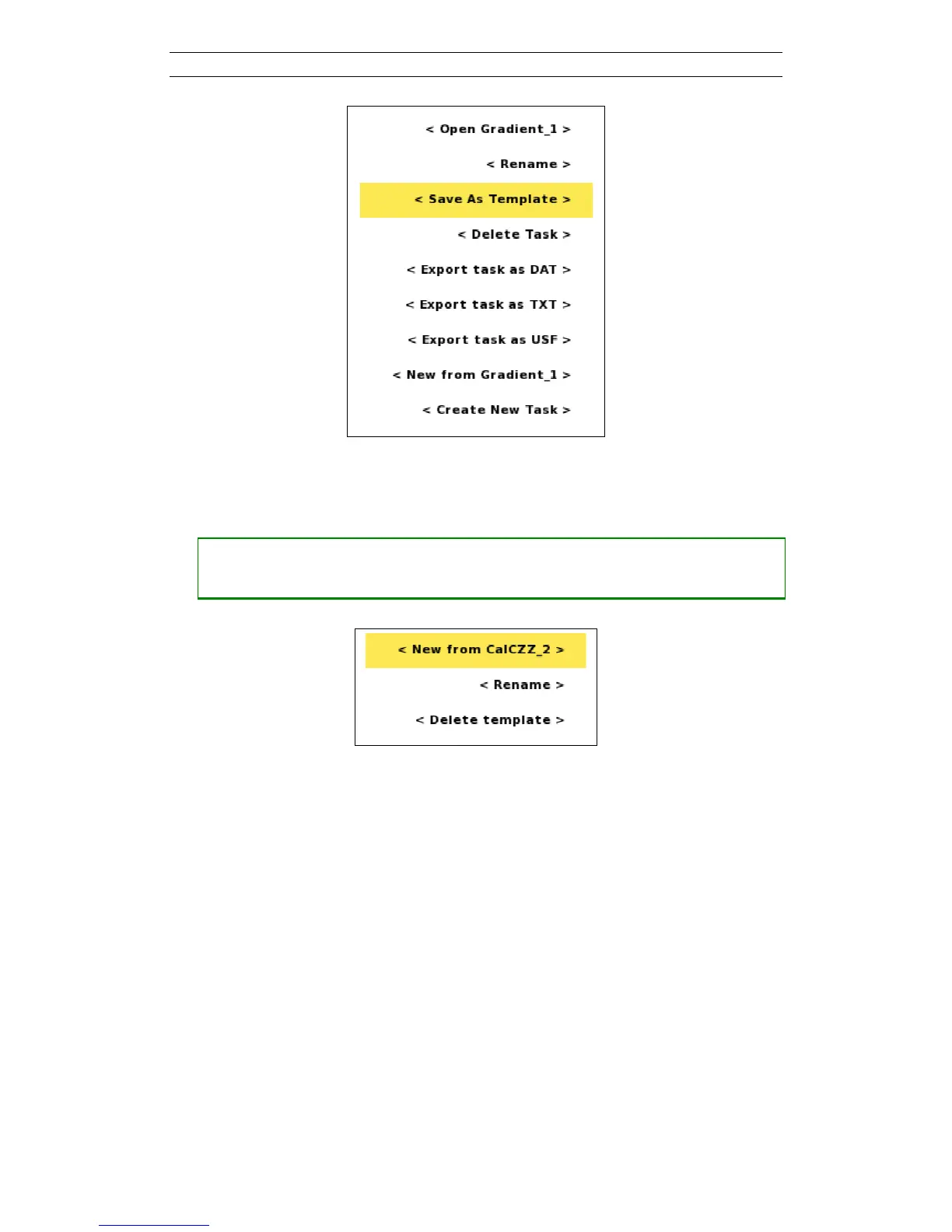
Figure 27. Task Option menu with the Save As Template item highlighted
• Opening the Template option menu
― Move the highlight to the wanted Template
― Press <Options> and the option menu of Figure 28 will be shown
Figure 28. Template Option menu with the New from item highlighted
The Menu Items of the Template option menu:
- New from: creates a new Task from this Template, see chapter 3.6.2 Task for
more information about the creating Tasks procedure
- Rename: see below
- Delete: A confirmation dialog is shown (Figure 29) and the Template will be
deleted if the user confirms the deletion



 To Next Page