ABEM Terrameter LS
27
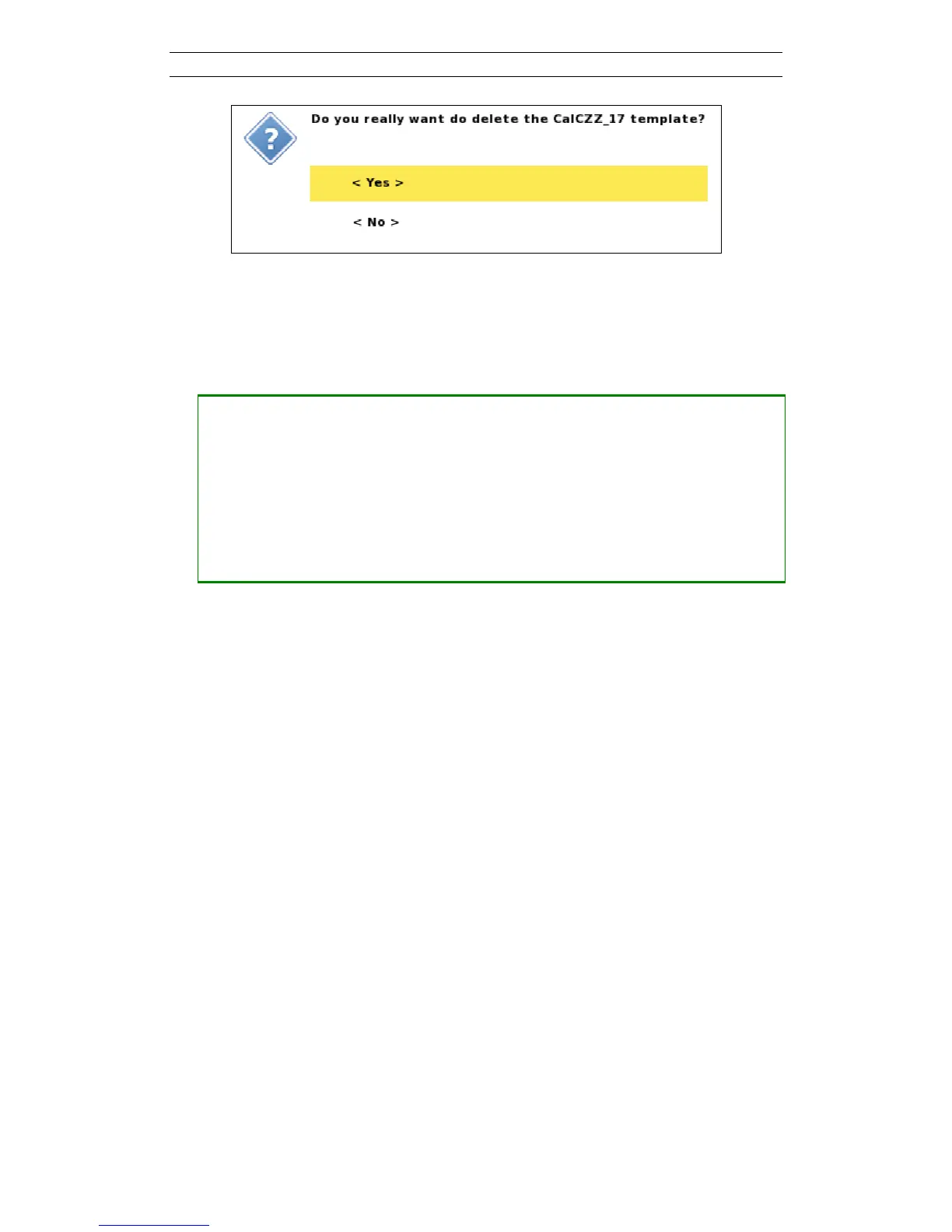
Figure 29. Confirm Template Delete dialog
• Renaming a Template.
A new Template will automatically be named after the Task it was created from.
This name can be edited.
― Open the Template option menu
― Move the highlight to <Rename>
― Press <Ok> and the Rename form will be shown.
This is similar to the rename form of the
Project
(Figure 20)
― Keep the cursor in the name box and press <Ok> to bring up the keyboard
emulator (chapter 3.5.2)



 To Next Page