ABEM Terrameter LS
40
5.2.3 Create New Station
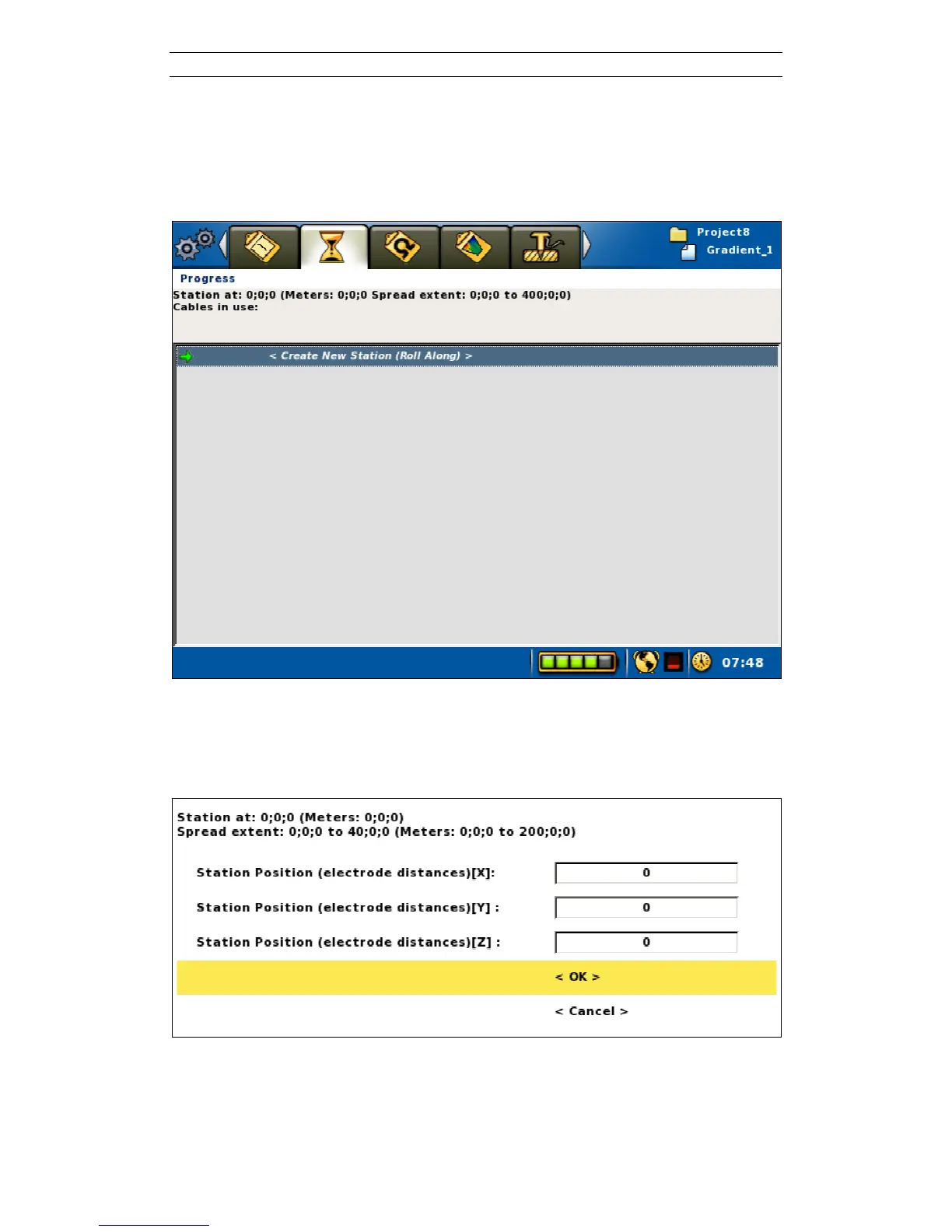
Before taking measurements on a new Task it is necessary to create a new measuring
station (Figure 42), which, in this case, will be the first station. Navigate to the
“Measure/Progress” View and press <Ok> when the <Create New Station (Roll
Along)> row is highlighted.
Figure 42. Create new station command on the measuring progress view
The properties of the new station are defined in the “Create New Station” dialog
(Figure 43).
Figure 43. Create new station dialog
The top of the dialog shows the coordinate location of the cable spread, shown in
meters as well as in electrode distance. Note that the station coordinate refers to the



 To Next Page