ABEM Terrameter LS
50
6.9.2 Electrode Contact Test
The first step in the data acquisition is the electrode contact test. If any electrodes
have too high contact resistance or are not connected properly an error message will
be issued, and the operator prompted to check and improve the contact before the
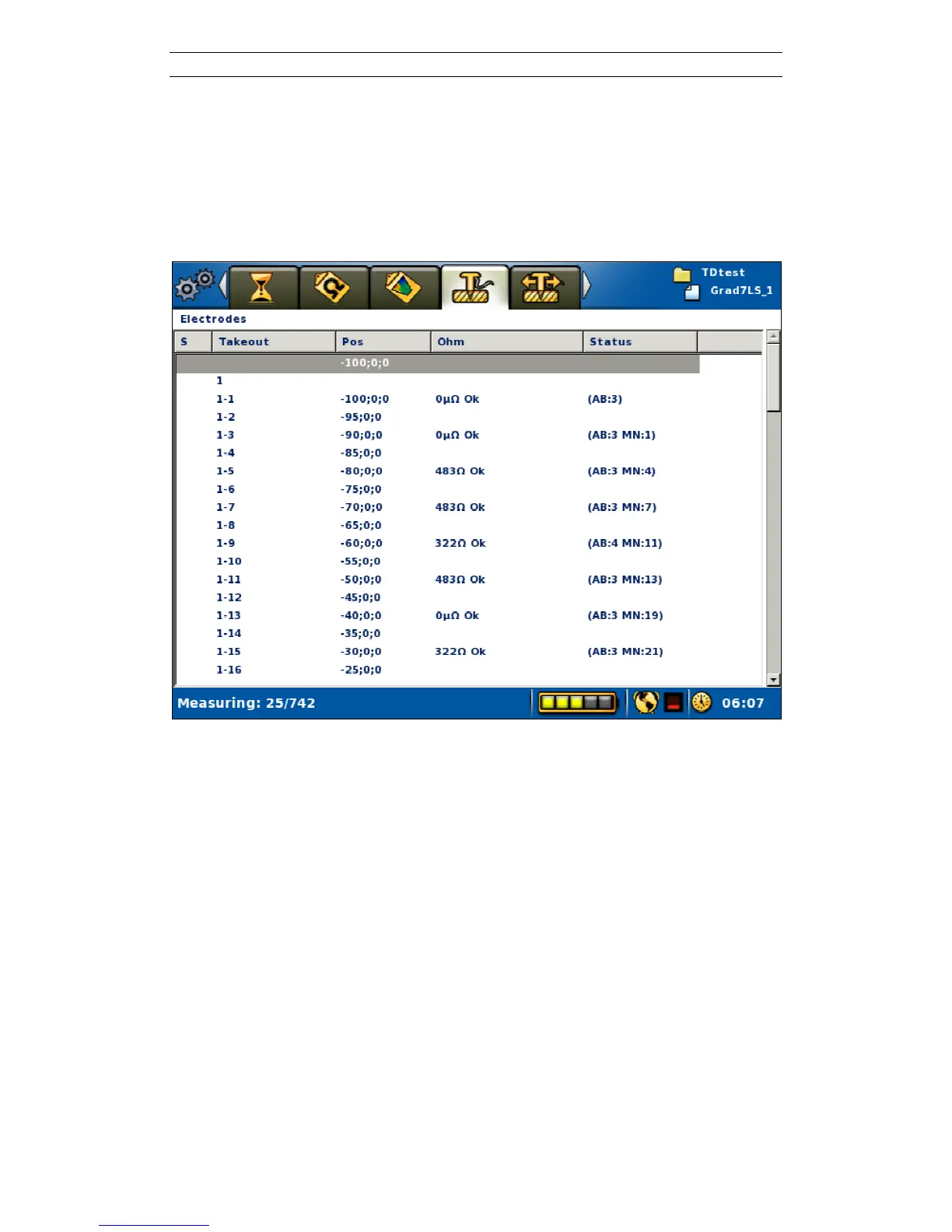
electrodes are re-checked. The cable array is outlined on the “Measure/Electrodes”
View in a table showing the position of the electrodes on each cable and their status
(Figure 54).
Figure 54. Electrode contact status view
The electrode contact test is done by the focus one method.
If the electrodes are all properly connected and well grounded, and the ground
resistance is not too high in relation to the selected current, the measuring process will
commence immediately after the electrode contact test is finished. If any electrode
with insufficient contact is detected this will be reported in the progress list and the
software will stop and wait for instruction from the operator. Navigate to the
“Measure/Electrode” View (Figure 54) and move the highlight to an electrode with
no contact. Press <Opt> and select either to exclude this electrode or to exclude all
bad electrodes (Figure 44). It is also possible to reset all electrodes that have been
excluded in order to re-check them using the same Option menu.



 To Next Page