ABEM Terrameter LS
55
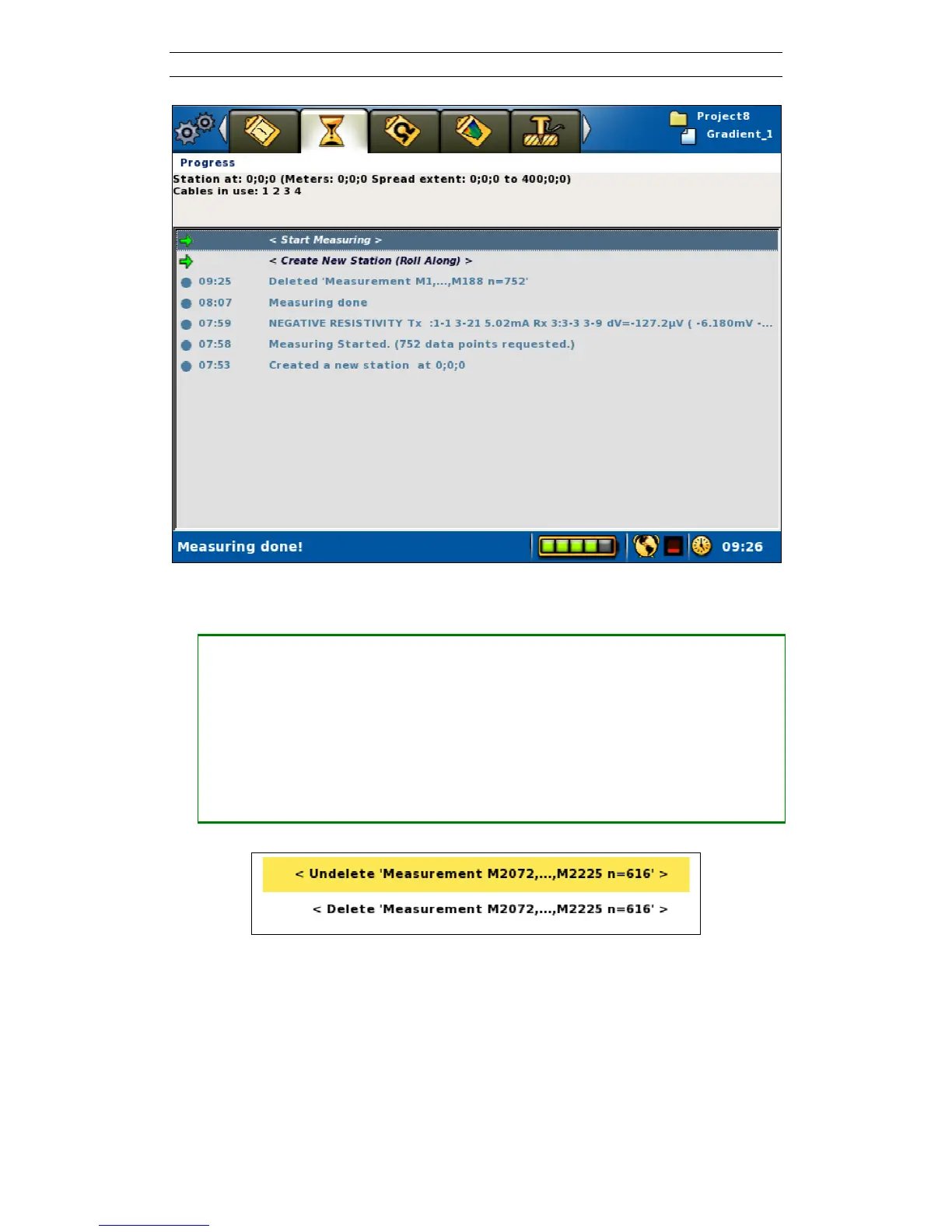
Figure 61. Example of deleted data points
• Undeleting data
― Stop an ongoing measurement (6.9.4 Pausing / Stopping the Data Acquisition)
― Highlight the “Deleted ‘Measurements…” row in the progress list that
represents the point from which data should be undeleted
― Press <Options>
― Highlight “<Undelete ‘Measurements Mxxx,…,Mxxx n=xxx’>” (Mxxxx
represents a measurement id) (Figure 62)
― Press <Ok>
Figure 62. Undelete/Delete data points Option menu



 To Next Page