ABEM Terrameter LS
54
Or
― Press <Play-Stop>
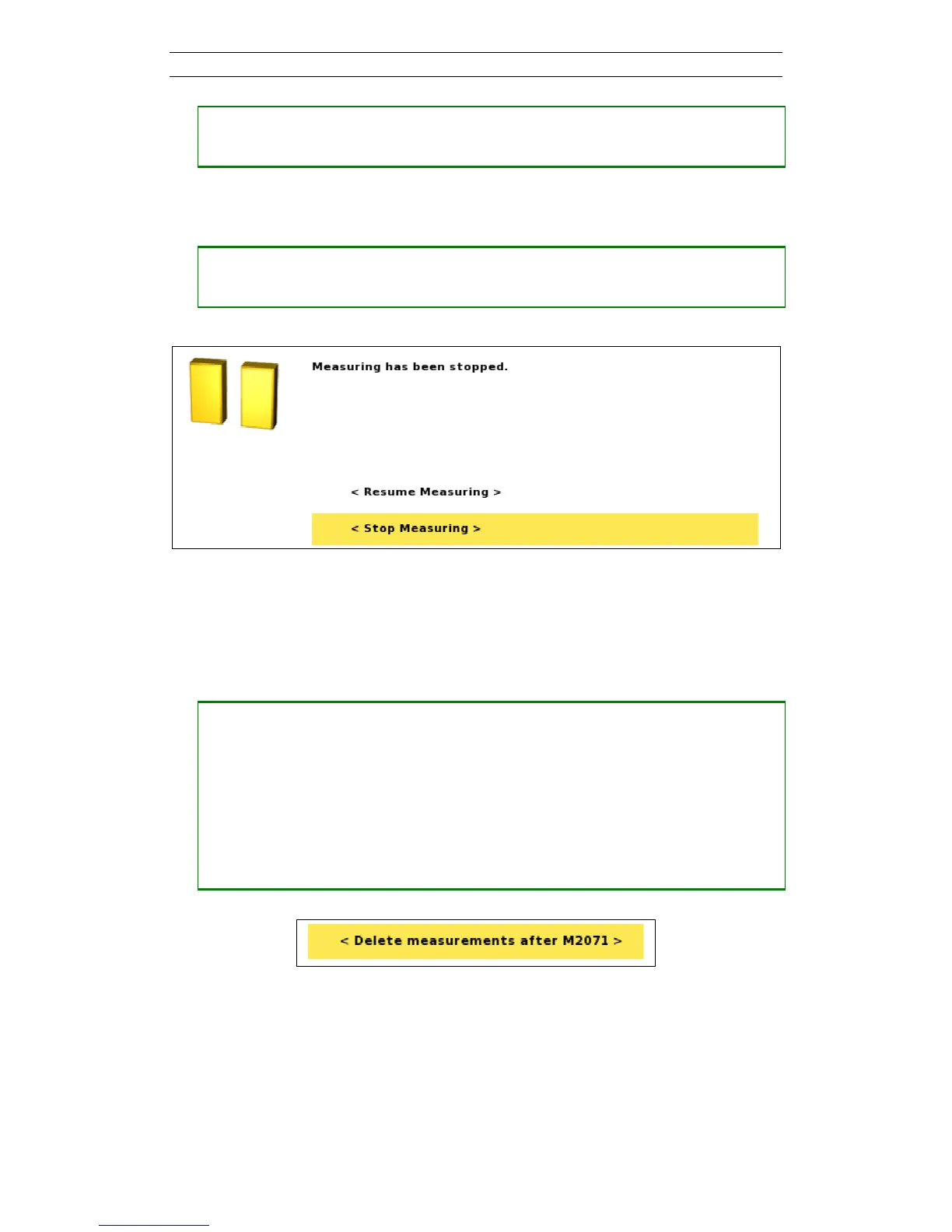
It might take a few seconds, before the measuring pause dialog is shown (Figure
59). Here it is possible to resume or stop the data acquisition process.
― Move the highlight to the appropriate row
― Press <Ok>
Figure 59. Measuring pause dialog
6.9.5 Deleting, Undeleting and Re-measuring Data
If a problem with the data acquisition is detected, the data acquisition process can be
stopped and data deleted so that these data points can be re-measured.
• Deleting data
― Stop an ongoing measurement (6.9.4 Pausing / Stopping the Data Acquisition)
― Highlight the row in the progress list that represents the point from which data
should be re-measured
― Press <Options>
― Highlight “<Delete measurements after Mxxxx>” (Mxxxx represents a
measurement id) (Figure 60)
― Press <Ok>
Figure 60. Delete data points Option menu
This action will delete the given data points and create a new entry in the progress list,
“Deleted ‘Measurement Mxxx,…,Mxxx n=xxx’” (Figure 61). The Mxxx part shows a
span of measurement ids that are deleted and the n value is the number of data points
deleted.



 To Next Page