ABEM Terrameter LS
58
6.10.1 Managing Electrode Positions
Electrode positions for a VES Task are handled as “MN/2 and AB/2” numbers. These
numbers will be multiplied with the minimum electrode spacing selected. The
electrode position to be measured, the active position, can be changed. It is in this way
possible to step through all the electrode positions that are pre-defined in the protocol
file.
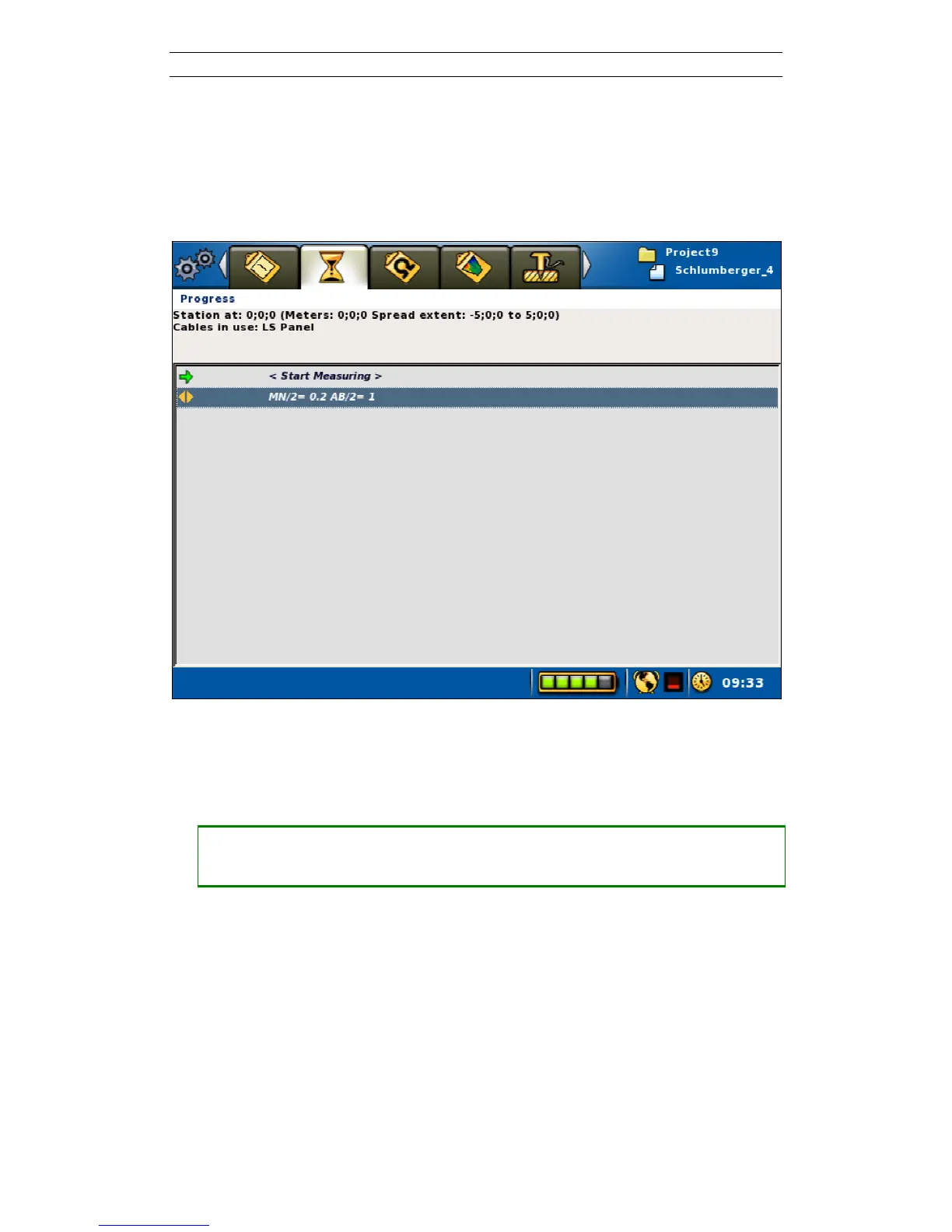
Figure 65. The Progress view in VES mode
In VES mode a line with a “MN/2 and AB/2” electrode position will be shown on the
Progress View (Figure 65). This is the active electrode position.
• Changing the active electrode position from the Progress View
― Highlight the “MN/= x AB/= x” row in the progress list
― Press <Left> and/or <Right>
Possible new electrode positions added in the Electrode Positions View (see below)
can also be set to the active electrode position in this way.



 To Next Page