ABEM Terrameter LS
59
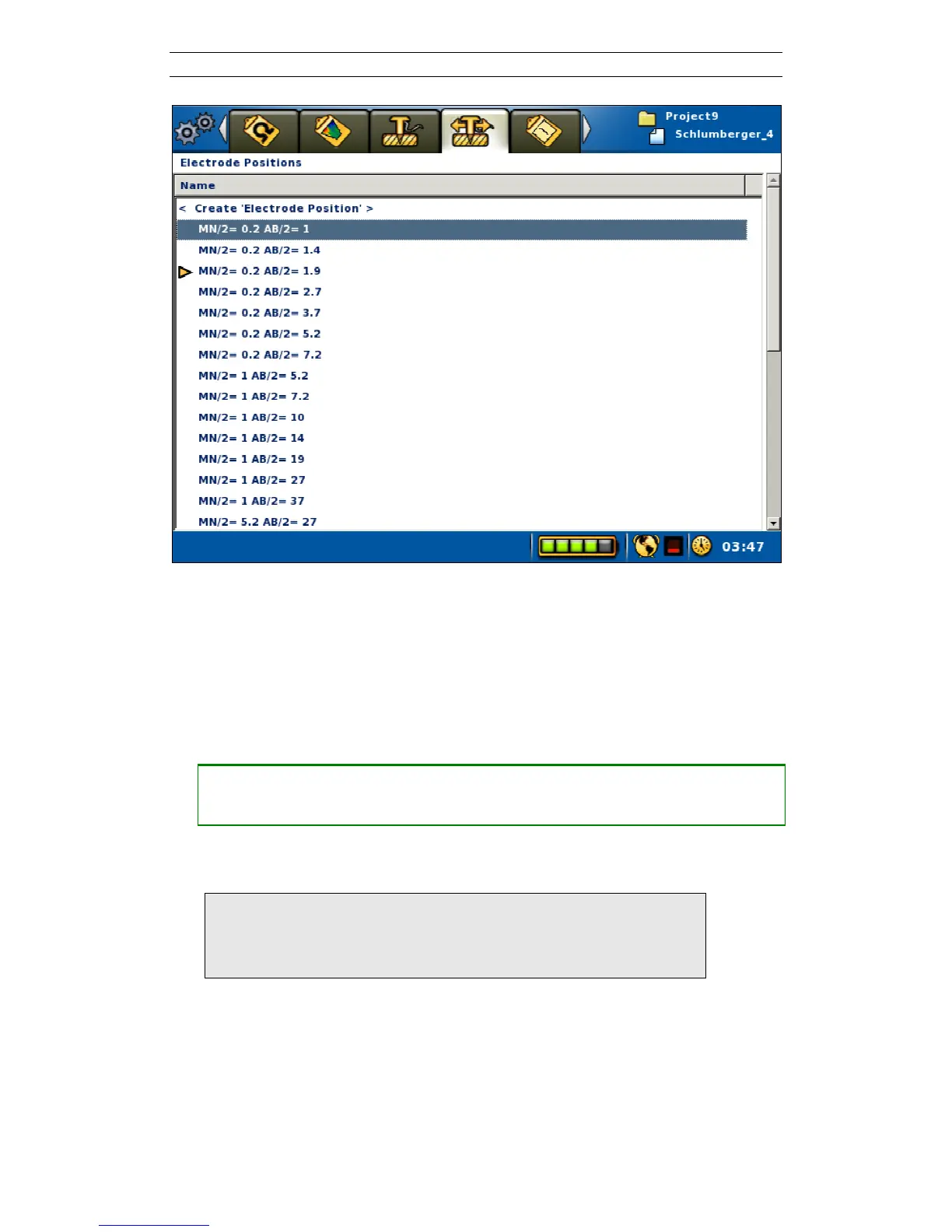
Figure 66. The Electrode Positions view in VES mode. Highlight on the second row
and active electrode position marker on the fourth row
The Electrode Positions View (Figure 66) lists all the electrode positions from the
protocol file. The dark yellow arrow is placed on the line that corresponds to the
active electrode position. This electrode position is the one that is shown on the
second row of the Progress View (Figure 65). The Electrode Positions View will be
empty when the instrument is not in VES mode.
• Changing the active electrode position from the Electrode Positions View
― Highlight the wanted electrode position in the list
― Press <Ok>
A new electrode position can be created for use during the measurement session.
Note! Please observe that electrode positions created this way
are not saved to disk, and thus will be lost when the
instrument is turned off or when the active Project or
Task is changed



 To Next Page