ABEM Terrameter LS
60
• Creating a new electrode position
― Navigate to the “Measure/Electrode Positions” View (Figure 66)
― Highlight the first row <Create ‘Electrode Position’>
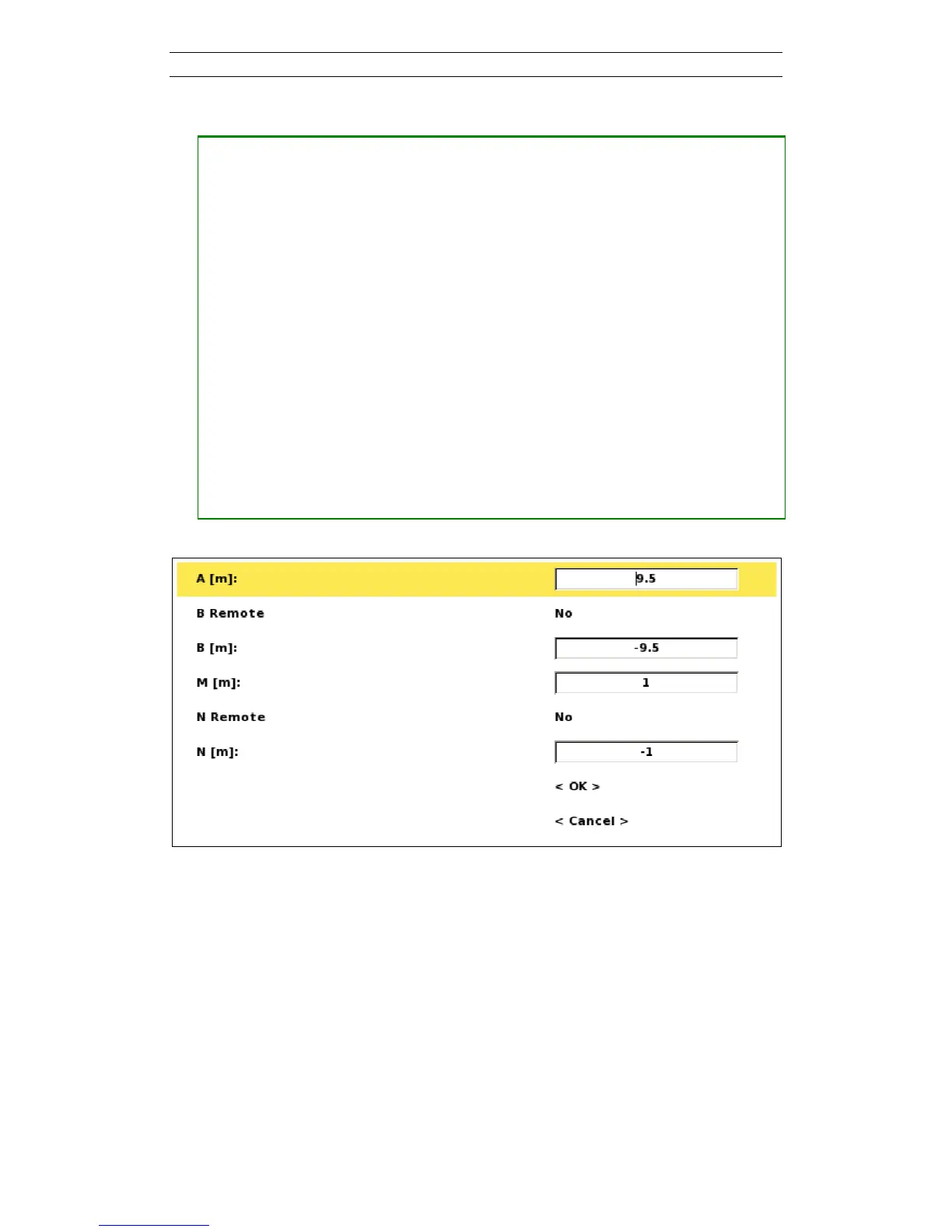
― Press <Ok>, the Create Electrode Position dialog will be shown (Figure 67)
― Enter the positions for the current electrodes (A and B) and potential
electrodes (M and N). The electrode positions shall be given as the distance to
the midpoint of the electrode spread
― Choose the correct settings (Yes or No) for ‘B Remote’ and ‘N Remote’
If ‘B Remote’ or ‘N Remote’ is set to ‘Yes’ then any numbers specified for ‘B[m]’ or ‘N[m]’ will be
ignored
― Press <Down> to highlight the OK button
― Press <Ok>
The new electrode position will be shown first in the list and will be made the active electrode
position (Figure 68)
Figure 67. Create Electrode Position dialog



 To Next Page