ABEM Terrameter LS
61
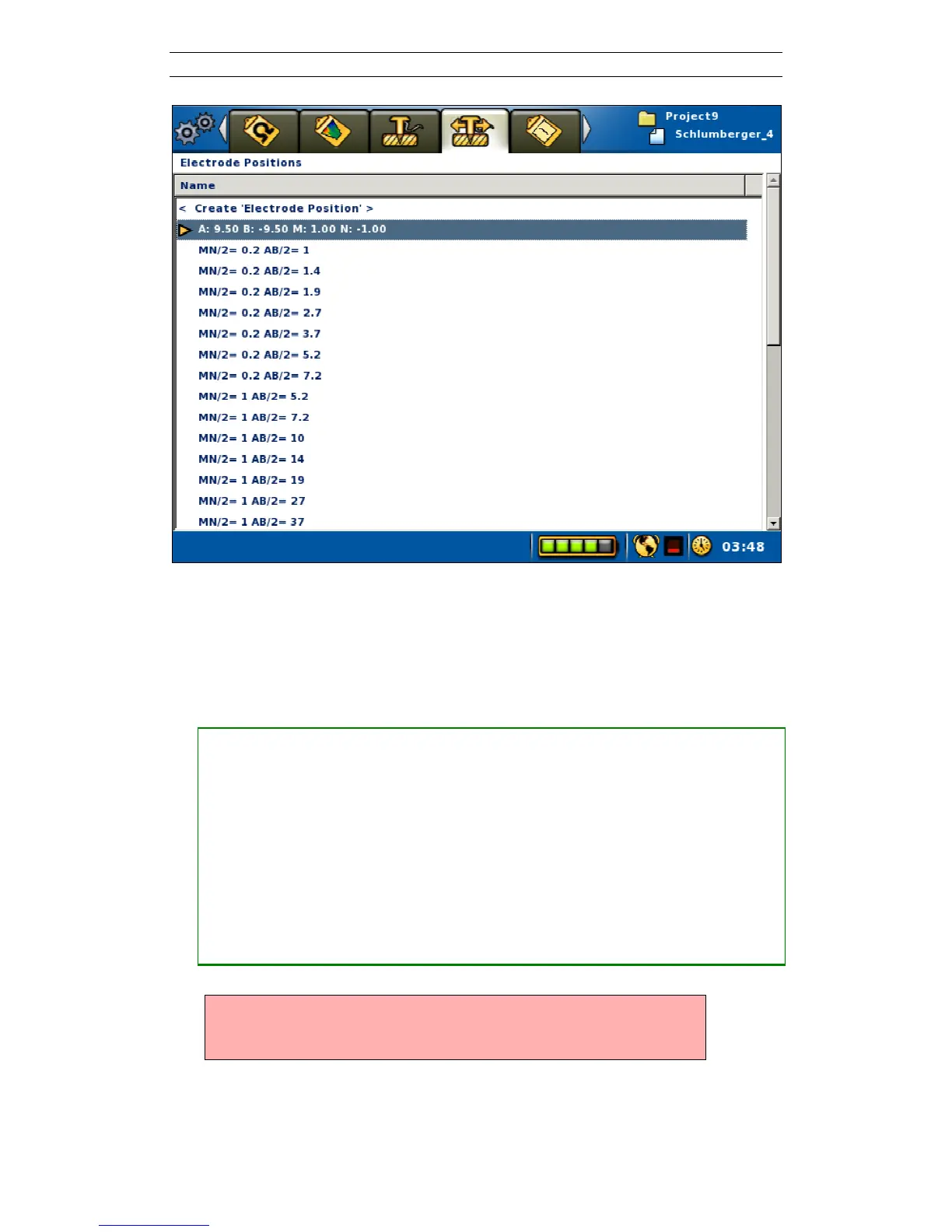
Figure 68. Result of Create Electrode Position
6.10.2 Performing a VES Measurement
• Starting a VES measurement
― Set the active electrode position as described above
― Make certain that the electrodes have actually been moved to the desired
physical position and check that everyone stands clear of the electrodes and
cables
― Navigate to the “Measure/Progress” View. Quickest way to do this is to press
<Play/Pause>
― Highlight the “<Start Measuring>” row in the progress list
― Press <Ok>
― The “Electric Shock Warning” will now be displayed
Warning! Do not press <OK> until it is verified that no person or
animal is touching any part of the electrode cables,
connectors or electrodes!



 To Next Page