ABEM Terrameter LS
62
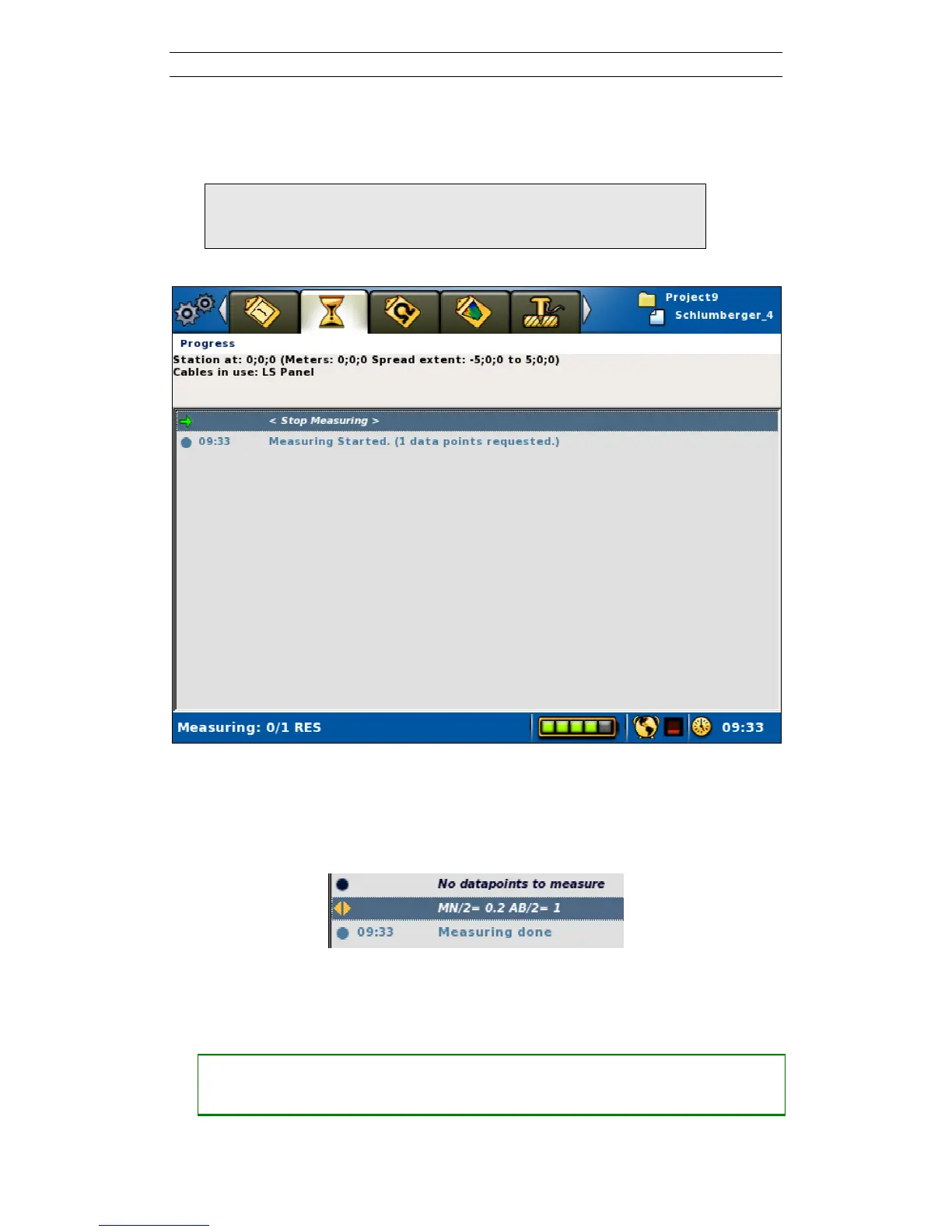
Figure 69 shows the Progress View during a VES measurement. The measurement
can be paused, stopped and resumed as described in chapter 6.9.4 Pausing / Stopping
the Data Acquisition.
Note! In case any person or animal approaches the electrode
layout current transmission must be stopped
immediately with the Emergency Stop Button
Figure 69. Progress view in VES mode during on-going measuring
When the measurement is ready the Status Bar will show “Measuring done!” and the
stop-measuring row will be replaced with a “No data points to measure” statement
(Figure 70).
Figure 70. Part of the Progress view in VES mode after measuring a data point
• Measuring the next data point
― Make sure the “MN/”= x AB/”= x” row is highlighted
― Press <Right>



 To Next Page