ABEM Terrameter LS
80
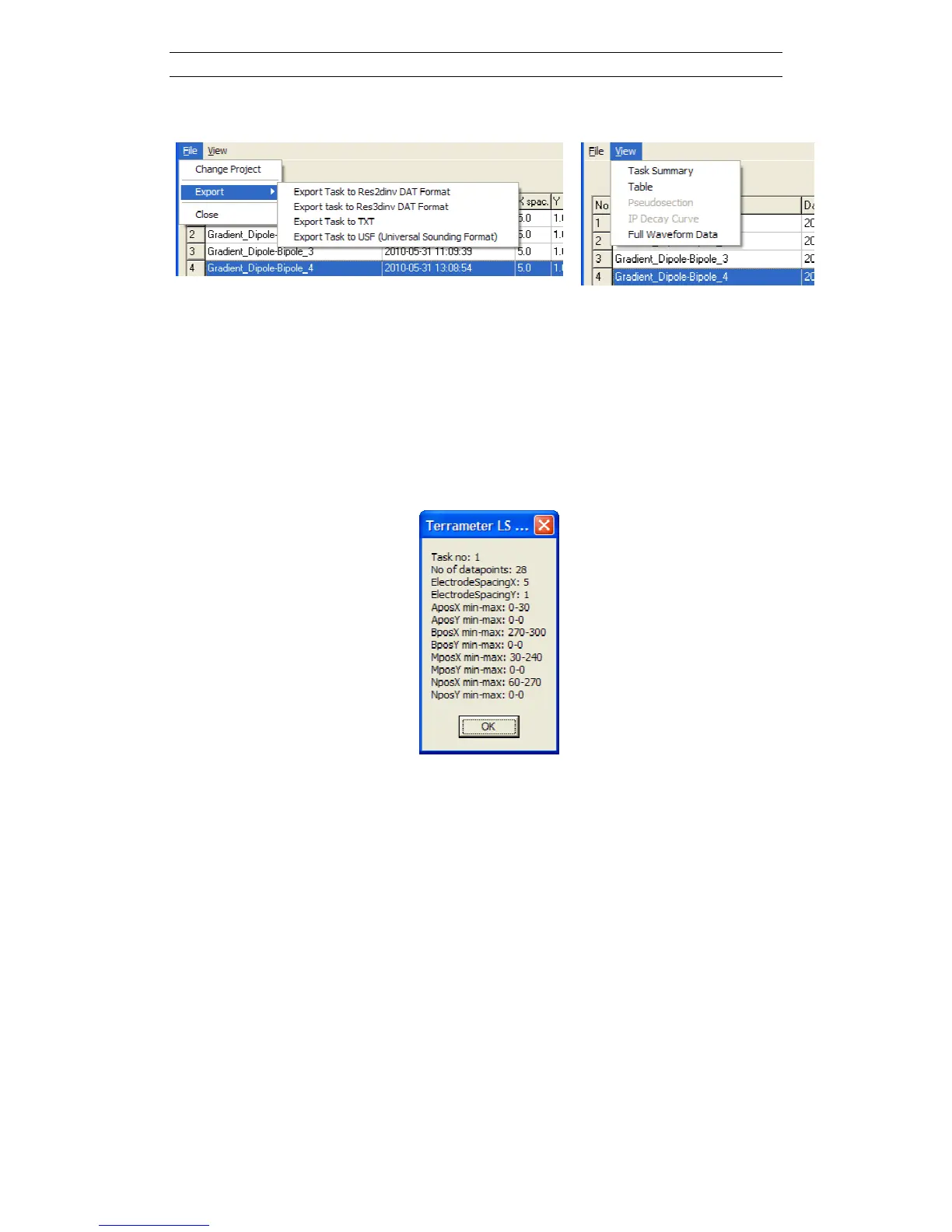
Or selecting a menu item from the “File/Export” or “View” main menus of the dialog:
Figure 95. File/Export and View menus
The various menu items do the following:
- Export: The Task data can be exported to DAT, text or USF formats. For
export to DAT format there are options for exporting all individual IP
windows or to integrate several or all into one IP value. There are also data
filtering options based on array type. These options are found at the bottom of
the Project data dialog
- Task Summary: A short summary of the Task data is displayed
Figure 96. Task summary example
- Full Waveform Data: Provided full waveform data has been saved and
downloaded from the instrument this data will be displayed (Figure 97). Step
between data points by changing the selected item in the list box down at the
left.



 To Next Page