ABEM Terrameter LS
81
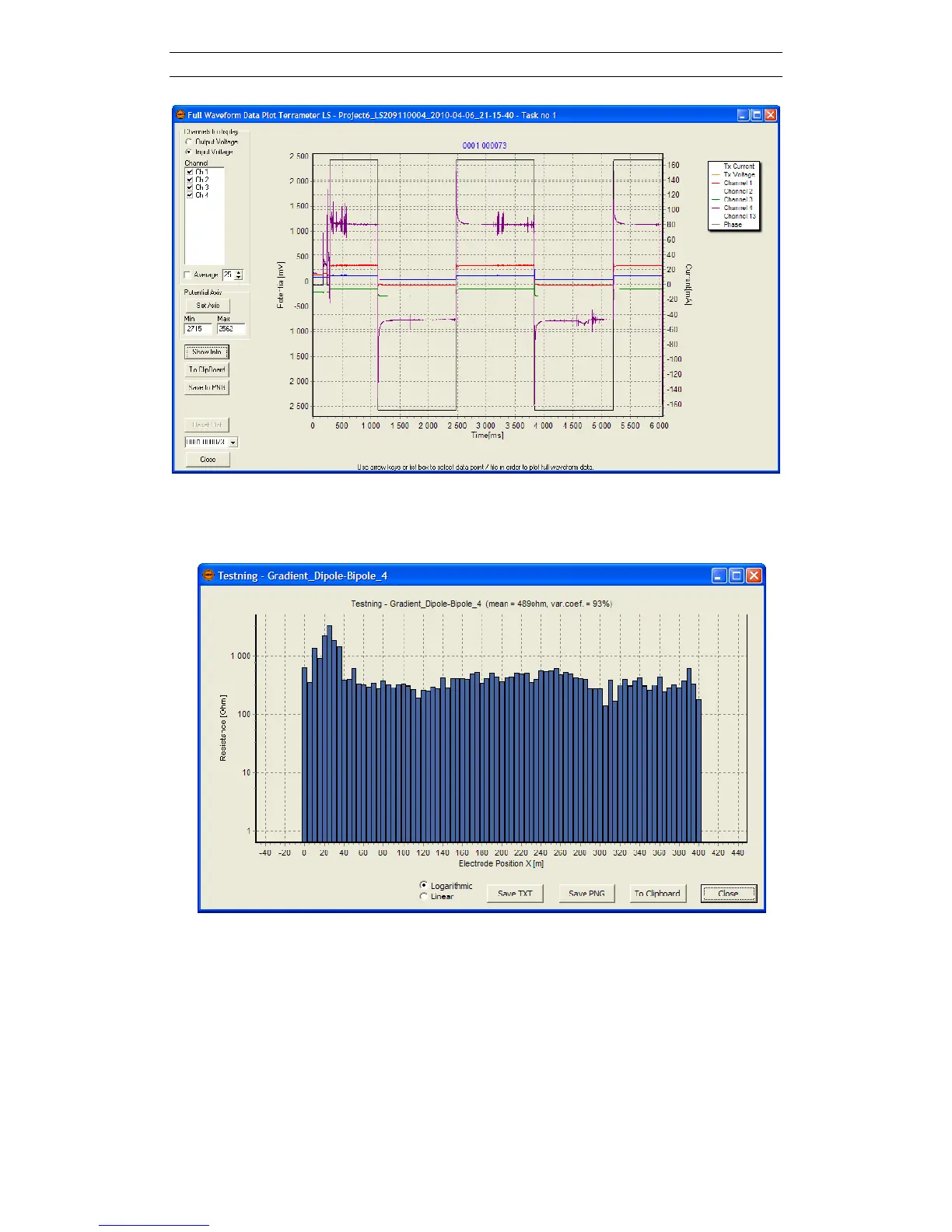
Figure 97. Full waveform plot dialog
- Electrode Test: Provided electrode test has been done for the selected Task
this data will be displayed.
Figure 98. Electrode test dialog
- Table: Opens a table view dialog where the data of a Task can be viewed
(Figure 99). In the View and Export Settings panel on the right choices can be
made over which data columns to view. This is done by checking or un-
checking the check boxes in the list with all possible column names. The All
and None buttons set all data column check boxes to either on or to off.



 To Next Page