Device menu
35
Initialising the HDD
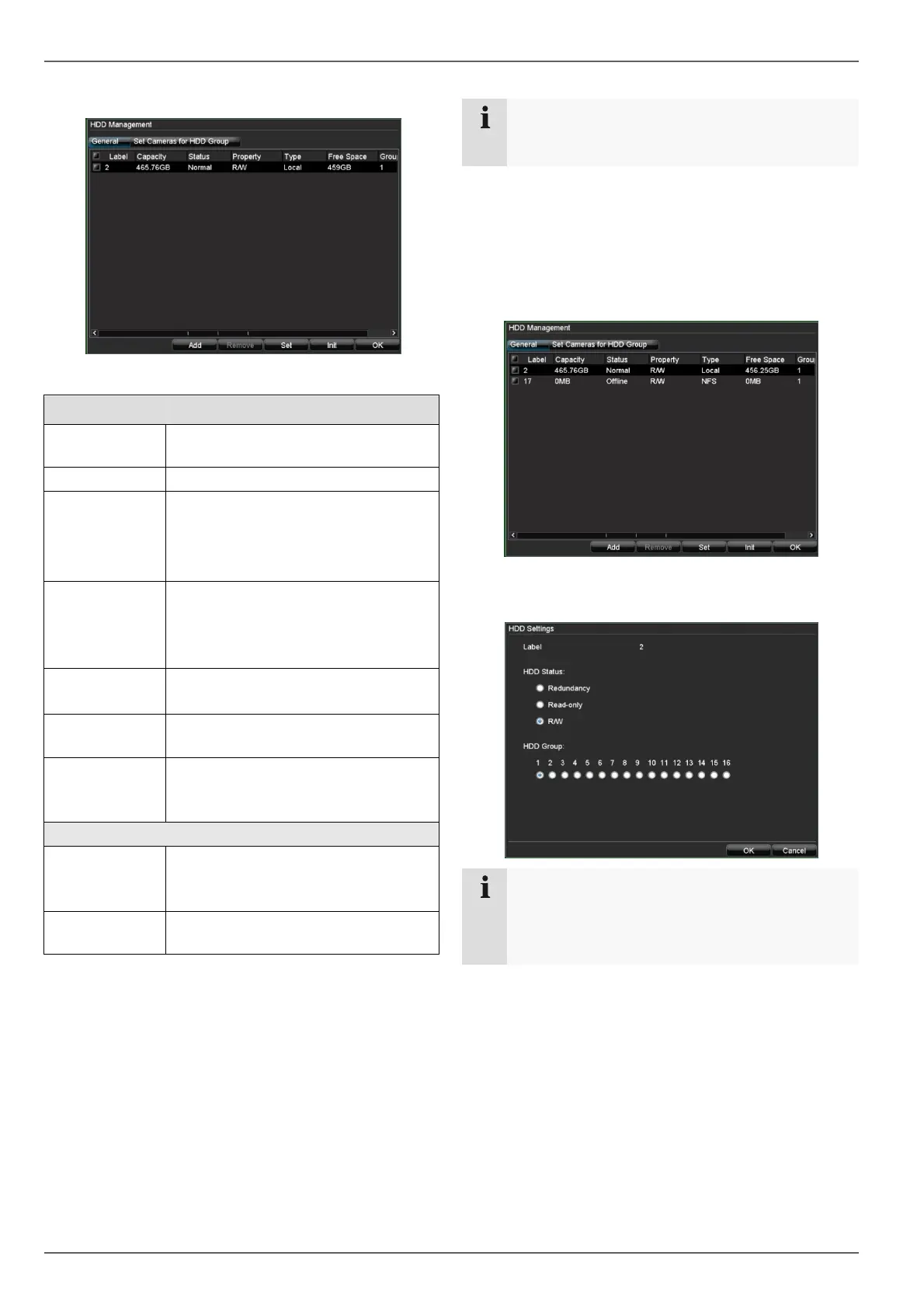
HDD Management parameters
“General” tab
Label
Shows the internal connection num-
ber
Capacity HDD capacity (in GB)
Status Shows the current status of the HDD:
Not initialised
Normal
Error
Property
• Redundancy: Works redundantly
for data security
• Read-only: Read-only protection
• R/W: Read and write
Type Local: Device HDD
NFS: Network HDD
Free Space
Shows the approximate free memory
for recordings
Group HDD group (1 is preset)
Recordings can be assigned to
groups
“Set Cameras for HDD Group” tab
IP
Overview of IP cameras
Used for accessing the selected IP
camera group
Data Backup
on HDD Group
1..8
Note
If the initialised HDD is not displayed, check the
connections.
1. Select the HDD by checking the corresponding box.
2. Start the process by clicking on “Init”.
3. Confirm the prompt by pressing OK.
4. The status bar shows the progress of the initialisa-
tion.
5. The following appears after the process is complete.
Setting the HDD
Note
Define which status the HDD should have:
Read-only: The HDD is write-protected. Re-
cordings are made on the next HDD.



 To Next Page